

Trying to run your restaurant’s inventory on a spreadsheet is like trying to navigate a bustling kitchen during the dinner rush with a hand-drawn map. You might get where you’re going eventually, but you’re missing all the real-time traffic updates, shortcuts, and warnings that would make the journey smoother. It feels like you're in control, but you're blind to the costly traffic jams—like food waste from over-ordering and surprise stockouts—piling up just around the corner.
Why Spreadsheets Are Holding Your Restaurant Back
For a small restaurant, café, or food truck, every ingredient and every minute has to be accounted for. Using a manual spreadsheet might seem like a thrifty, straightforward fix for inventory, but it's loaded with hidden costs that quietly drain your profits and sanity. It’s a purely reactive system in a business that lives and dies by proactive, solution-focused decisions.
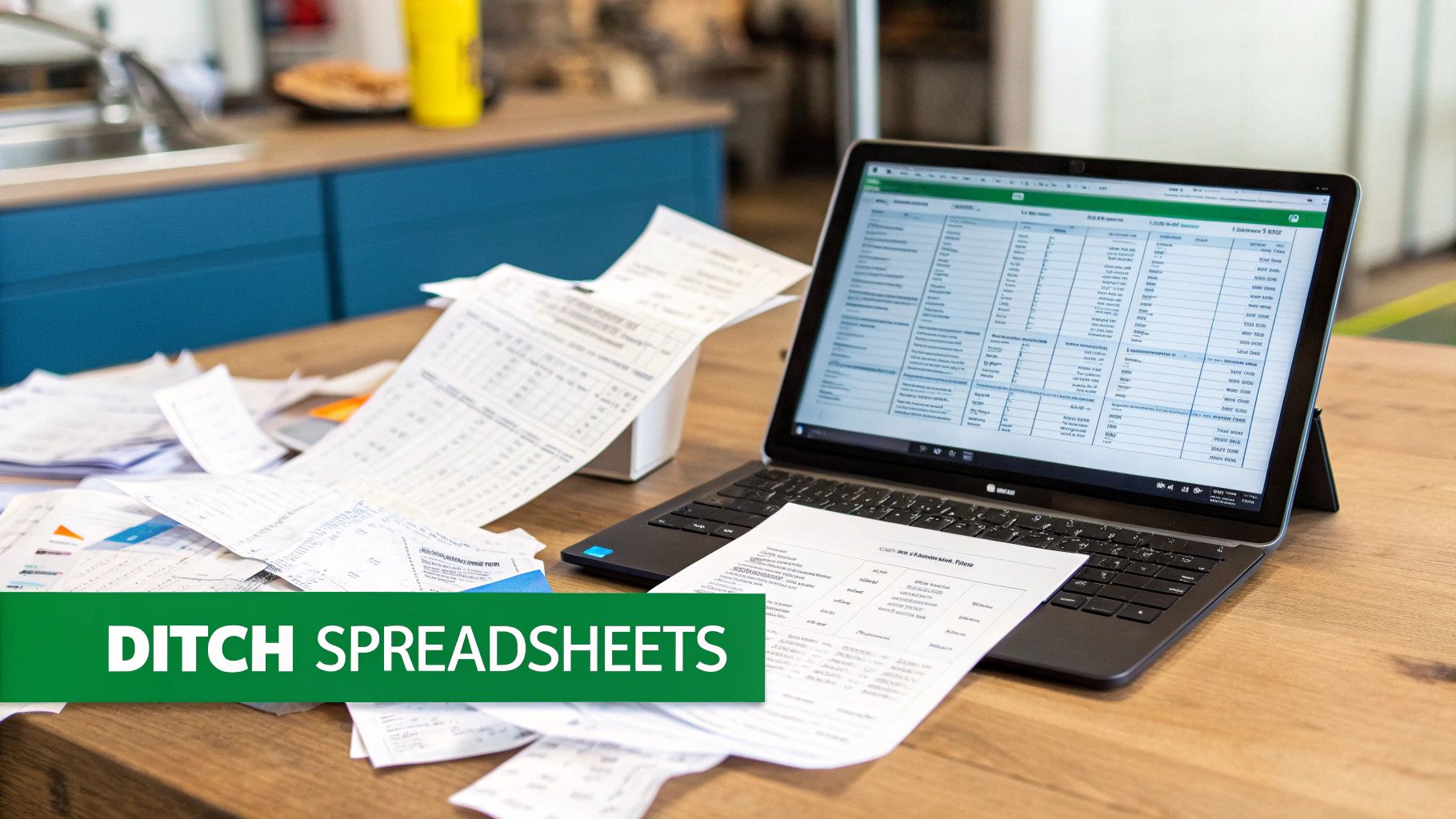
Your inventory is the lifeblood of your kitchen. When it’s managed with slow, outdated spreadsheet data, the entire operation starts to feel sluggish. A single typo—a misplaced decimal or an extra zero—could lead you to order way too much fresh fish, most of which ends up in the bin. Forgetting to log that case of burger buns used during a hectic lunch service could leave you scrambling on a packed Friday night.
The Real Cost of Manual Tracking
Relying on manual counts and data entry is so much more than an administrative chore; it's a direct hit to your bottom line. These old-school methods create a domino effect of problems that modern, all-in-one software was built to solve.
Here’s a look at what’s really happening when a spreadsheet is running your stockroom:
- Sky-High Food Waste: Without live data, forecasting demand is pure guesswork. This almost always leads to over-ordering perishable ingredients, which cuts directly into your razor-thin margins.
- Lost Sales from Stockouts: Having to "86" a popular dish is a surefire way to disappoint a loyal customer and lose a sale. A spreadsheet can't alert you that you're low on a key ingredient until it’s already gone.
- Drained Labor Hours: Think about the time your staff spends with a clipboard in the walk-in, manually counting boxes and updating cells. That’s time they could be spending on creating amazing guest experiences.
- Inaccurate Menu Costing: If you aren't tracking ingredient costs with precision, you’re just guessing how profitable each dish truly is. You could be losing money on your best-seller and not even know it.
It's a surprisingly common problem. Despite the obvious benefits of dedicated software, a whopping 67.4% of inventory managers still use Microsoft Excel for their tracking. This reliance on spreadsheets shows just how big of an opportunity there is for restaurant owners to get a leg up on the competition by adopting a smarter, more connected system.
For a restaurant, inventory isn't just a list—it's cash sitting on your shelves. An inaccurate spreadsheet is like a hole in your pocket. You’re losing money and you don't even feel it leaving.
This is where an all-in-one platform like TackOn Table changes the game. By tying inventory directly into our mobile POS, every single order instantly updates your stock levels. This gives managers of full-service restaurants a clear, real-time view of what’s on hand, what’s popular, and what needs to be reordered—all from one simple dashboard. It’s time to close the spreadsheet for good and take back control with a system designed for simplicity and affordability.
Ready to see how an all-in-one system can simplify your operations?
Book a Personalized Demo Today
What Really Matters in Restaurant Inventory Software
So, what’s the difference between a glorified spreadsheet and a tool that actually drives profit? A good Restaurant POS with inventory management doesn't just count what's on your shelves; it becomes an intelligent partner in your kitchen. It's the co-pilot making sure you never 86 a bestseller on a Friday night or overspend on avocados that will go brown before you can use them.
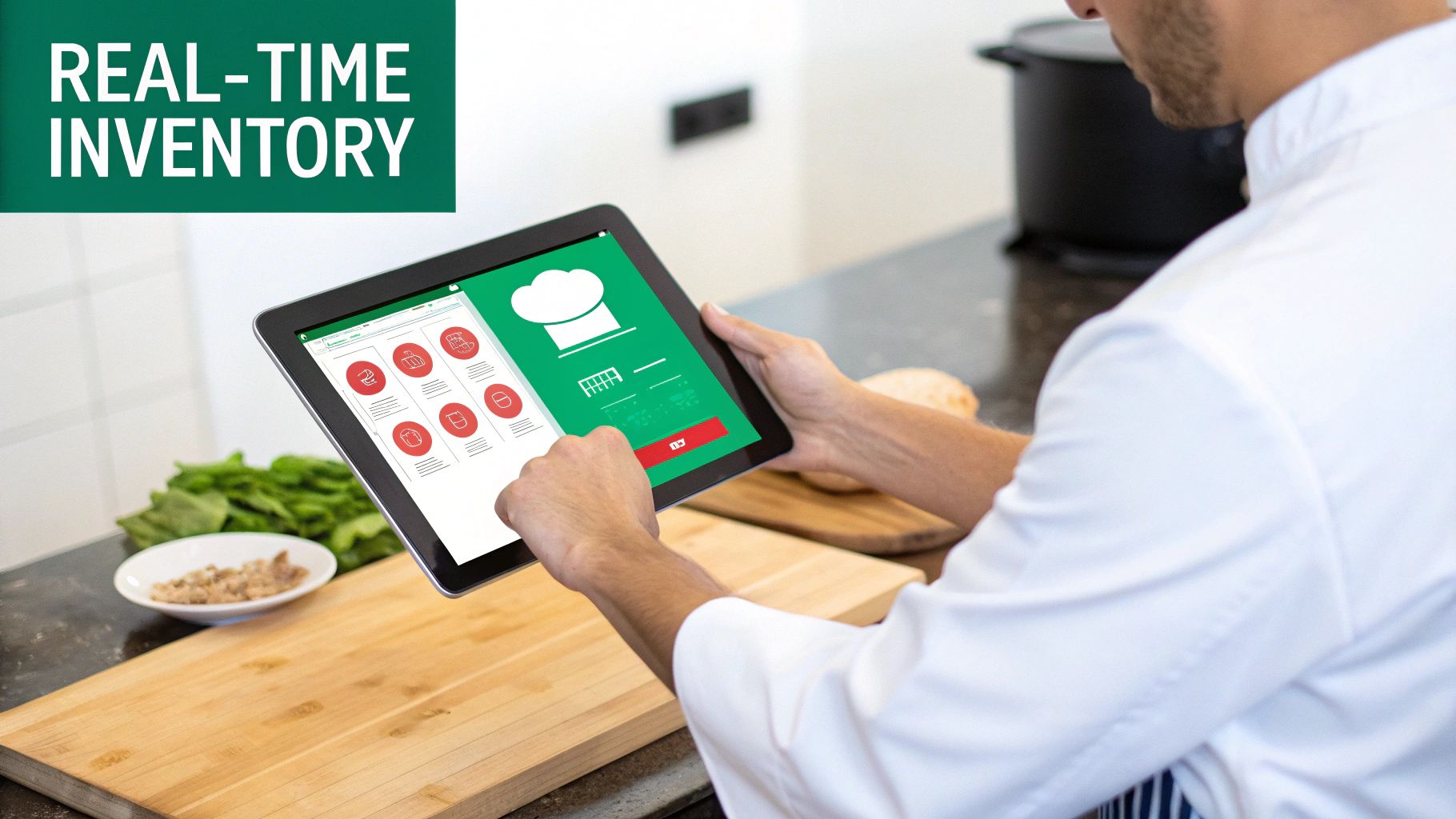
Forget about those end-of-week manual counts that are outdated the second you finish. A modern system gives you live, accurate information so you can make smart decisions on the fly. This is where an all-in-one platform like TackOn Table really shines, building these must-have features right into its mobile POS to cut out the guesswork and costly mistakes. With our easy setup, you get a powerful, human-centric tool that adapts to your needs.
To help you understand what to look for, here's a breakdown of the features that will make the biggest impact on your day-to-day operations and your bottom line.
Key Inventory Software Features for Restaurants
| Feature | How It Helps Your Business | Practical Restaurant Example |
|---|---|---|
| Real-Time Ingredient & Recipe Tracking | Eliminates manual counting and provides a live view of stock levels as sales happen. Reduces food waste by giving you an exact picture of what you have. | A customer orders your "Classic Cheeseburger." The system instantly deducts 1 patty, 1 bun, and 2 slices of cheese from your digital stockroom. No surprises. |
| Automated Low-Stock Alerts | Prevents you from running out of crucial items during a busy service. Turns inventory from a reactive headache into a proactive, automated process. | Your stock of brioche buns drops below the 20 you set as a minimum ("par level"). You get a push notification on your phone to reorder before the weekend rush. |
| Accurate Menu & Recipe Costing | Calculates the exact cost of every dish, revealing your true profit margins. Empowers you to price your menu intelligently and spot unprofitable items. | You realize the cost of salmon has gone up. The software shows your Salmon Risotto now has a food cost of 45%. You adjust the price or the recipe to protect your margin. |
| Integrated Purchase Order Management | Simplifies ordering from all your vendors in one place. Reduces human error and saves hours of administrative time by auto-generating orders. | The low-stock alert for buns triggers a draft purchase order. You review it, click "send," and the order is automatically emailed to your bakery supplier. |
These core functions work together to create a system that does more than just track inventory—it helps you manage your business more effectively.
Real-Time Ingredient and Recipe Tracking
The heart of any great inventory system is its ability to track in real-time. This isn't about knowing you started the week with 100 burger patties. It's about knowing you have exactly 99 left the moment an order is punched into the POS.
This feature connects every single sale to your ingredient-level stock count. When a "House Special Pizza" gets ordered, the system automatically deducts:
- 1 pizza dough
- 4 oz mozzarella
- 2 oz tomato sauce
- 5 slices of pepperoni
This gives you a constantly updated, surgically precise view of what’s in your walk-in, freezer, and dry storage at any given moment. You gain total control, preventing the kind of food waste that can sink a small cafe or food truck.
Automated Low-Stock Alerts
Running out of your signature sauce during the dinner rush is a nightmare. It’s lost revenue, unhappy customers, and a hit to your reputation. Automated low-stock alerts are your safety net against this exact scenario.
You simply set a minimum quantity—what we call a "par level"—for every key item, from espresso beans to French fries. When your stock dips below that line, the system pings you with an alert via email or a notification. This heads-up gives you plenty of time to reorder before you're in trouble, ensuring your most popular dishes are always on the menu.
A great inventory system doesn't just tell you what you sold. It tells you what you need to sell next, and it ensures you have the ingredients on hand to do it.
With TackOn Table, these alerts are built right in, so you can manage your stock from anywhere. Whether you're at the farmers' market or checking in from home, you're always connected and in control. It’s a world away from trying to piece together functionality from separate systems.
Accurate Menu and Recipe Costing
Do you know—down to the penny—the exact cost of every plate that leaves your kitchen? If you're doing it manually, the answer is probably no. A proper inventory system lets you build out your recipes and tie them directly to the real-time cost of your ingredients from suppliers.
This is how you calculate your true cost of goods sold (COGS) for each menu item. Suddenly, you can see which dishes are your profit powerhouses and which ones are barely breaking even. This data is pure gold for menu engineering, helping you price items for maximum profitability and identify where a small tweak to a recipe could significantly boost your margins.
Integrated Purchase Order Management
Okay, so you got a low-stock alert. What's next? Instead of digging up vendor emails and manually typing out an order, integrated purchase order (PO) management takes over. The software can generate POs for you based on your par levels and even your sales forecasts.
This brings your entire supply chain into one clean workflow. You can track orders, keep vendor information organized, and log new shipments as they arrive. When that delivery of fresh produce comes in, a quick scan or a single click updates your inventory levels instantly. This kind of automation slashes ordering mistakes and frees up hours of your time each week—time better spent focusing on your food and your guests.
Ready to see how an all-in-one POS can handle all this for you?
Start Your Free Trial with TackOn Table
Advanced Inventory Strategies for Growing Businesses
Once you’ve got the hang of daily counts and low-stock alerts, your inventory software starts to feel less like a chore and more like a strategic partner. This is where the real magic happens. As your single café starts to dream of becoming a multi-location brand, or your food truck business adds another truck to the fleet, your challenges don't just add up—they multiply. This is the moment advanced features go from "nice-to-have" to absolutely critical, turning potential chaos into controlled, profitable growth.
The right inventory management software for small business is what gives you the backbone to scale with confidence. TackOn Table offers the visibility and multi-location control you need to handle a more complex supply chain, multiple storefronts, and a growing list of vendors without overwhelming your team. It’s the difference between growing smoothly and getting crushed by the weight of your own success.
Mastering Multi-Location Management with Café Management Software
Getting one location to run like a well-oiled machine is tough enough. Trying to manage two, three, or a mix of a café and a food truck can feel downright impossible without the right system in place. If you're juggling inventory between them with separate spreadsheets, you're setting yourself up for disaster. It’s a fast track to stock imbalances, where one location is drowning in milk while another runs out before the morning rush is even over.
This is exactly why a unified café management software with multi-location control becomes a non-negotiable tool. An all-in-one platform like TackOn Table gives you a bird's-eye view of your entire operation from a single, clean dashboard.
- Centralized Oversight: See real-time stock levels for every single location at a glance. No more frantic calls to managers or waiting around for end-of-day reports to find out what you have.
- Effortless Stock Transfers: Is your downtown shop low on coffee beans while your suburban spot has a surplus? You can initiate a transfer right in the system to rebalance inventory and avoid a stockout.
- Consolidated Reporting: Pull sales and inventory data across all your locations or drill down into just one. This is how you spot which locations are your star performers and where you need to tweak your purchasing.
This level of control is what creates consistency and efficiency across your entire brand. It’s a core feature that makes TackOn Table a powerful Toast vs Clover alternative, giving you the kind of enterprise control you need with the adaptability and affordability a small business demands.
Streamlining Vendor Management and Purchasing
As your business grows, so does your list of suppliers. Pretty soon, you’re trying to manage orders, invoices, and relationships with a dozen different vendors through a messy web of emails and phone calls. It’s not just inefficient; it's a breeding ground for expensive mistakes. A modern Restaurant POS brings vendor management directly into your inventory workflow, creating a much cleaner and more automated supply chain.
The goal of advanced inventory management is to automate the predictable so you can focus on the exceptional. When your system handles ordering, you can focus on creating an amazing customer experience.
Think about how this plays out. Your system flags that you're running low on ground beef. With integrated vendor management, your next steps look like this:
- View All Suppliers: Instantly pull up your approved meat suppliers, their current pricing, and your order history.
- Automate Purchase Orders: The system can auto-generate a purchase order based on your established par levels and recent sales data.
- Send and Track: With one click, that PO is emailed directly to your vendor from the platform. You can then track its status from sent to received, all in one place.
This kind of automation saves an incredible amount of admin time and cuts down on the risk of manual ordering errors. By keeping all your vendor info and communication in one spot, you build stronger supplier relationships and get a much tighter grip on your cost of goods sold. TackOn Table’s mobile POS makes this even easier, letting you approve purchase orders right from your phone, whether you're in the kitchen or running errands. That's the kind of adaptability ambitious owners need to scale their business.
Ready to see how a truly all-in-one system can support your growth?
Book a Personalized Demo Today
How to Choose the Right Inventory System for Your Restaurant
Picking the right inventory management software for your small business is a lot like a chef choosing the perfect knife—it has to be sharp, reliable, and feel like a natural extension of your workflow. It's easy to get bogged down by endless feature lists and technical jargon, but the trick is to tune out the noise. Focus on what will actually make your restaurant, café, or food truck run smoother and more profitably.
The best system isn't always the one with the most bells and whistles. It's the one your team will actually use every day. It’s the one that gives you clear insights without a massive learning curve and, most importantly, can grow right alongside you from your first location to your fifth. A smart choice means looking beyond the monthly subscription fee and seeing the total value a platform brings to your operation.
This visual shows that classic growth path for a restaurant, which really drives home why a scalable system is so critical from day one.
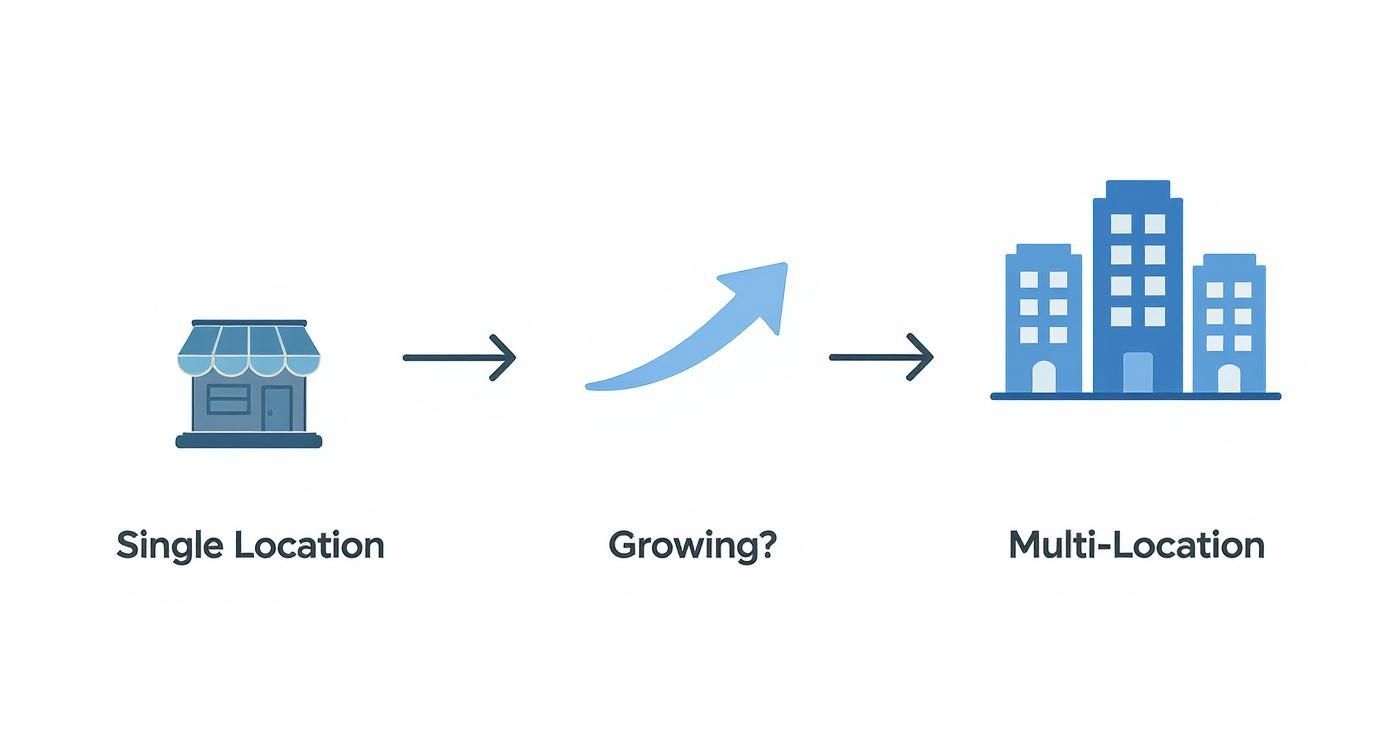
As you move from a single shop to managing multiple spots, the complexity of keeping track of everything multiplies. A unified, scalable system isn't a luxury; it's essential.
Evaluate Ease of Use and Setup Time
Your inventory software should be saving you time, not eating it up. A complicated system with a clunky interface is a recipe for frustrated staff and inconsistent data entry, which defeats the whole purpose. You want a solution with an intuitive design that feels as familiar as using an app on your phone.
TackOn Table’s mobile POS was built on this very principle. We see easy setup as a core feature, not some add-on. You shouldn't need an IT degree to get your system up and running. A great platform should be operational in under an hour, so you can spend your time training your team on what really matters—taking care of your guests.
When you're looking at different options, ask yourself a few simple questions:
- Could a new hire get the hang of it in a single shift?
- Is the screen clean and easy to navigate on a tablet during a hectic dinner rush?
- How long does the company say it really takes to get set up?
Prioritize All-in-One Simplicity
Juggling separate systems for your POS, online orders, and inventory is a surefire way to create errors and waste time. A sale rung up in-house might not update the stock count your online ordering platform is looking at, which leads to telling a customer you have something you just ran out of. This is exactly why an all-in-one platform is such a game-changer for a small business.
An integrated system like TackOn Table gets every part of your operation speaking the same language. When a server puts an order in at the table, your inventory levels are adjusted instantly. This creates one single, reliable source of truth for your entire business, from sales numbers to stock counts. This integrated approach is a big reason why many growing restaurants look for Toast vs Clover alternatives that offer streamlined power without the complexity.
A truly great inventory system doesn't just feel like another piece of software; it feels like it's part of your kitchen's natural rhythm. It takes the tedious work off your plate so you can focus on the food and the people.
Scrutinize the Total Cost of Ownership
That advertised monthly price? It's just the tip of the iceberg. The real cost of any software is a mix of subscription fees, hardware requirements, hidden charges, and training time. To make a smart financial decision, you have to look at the total cost of ownership (TCO).
Here’s a quick checklist to help you see the full picture:
- Subscription Fees: Are there different tiers? What crucial features are you missing on the cheaper plans?
- Payment Processing: Are the rates competitive and clear, or are there sneaky transaction fees?
- Hardware Costs: Do you have to buy their specific tablets and terminals, or can you use your own devices?
- Setup and Training: Is onboarding support included, or is that another bill you'll have to pay?
- Contract Terms: Are you about to get locked into a long-term contract with hefty fees if you need to leave?
TackOn Table stands out with a clear, affordable model built for small businesses. We believe in transparent pricing and don't use long-term contracts to hold you hostage. You can check out our straightforward plans and see for yourself how an all-in-one system delivers more value without the hidden gotchas. Our entire focus is on affordability and adaptability, making sure our platform helps you grow without draining your budget.
Calculating the ROI of Your Inventory Software
Alright, let's talk money. Features and functionality are great, but the real question is always the same: is this investment actually going to pay off? When you’re looking at inventory management software for small business, you need to move past the "what can it do?" and focus on "is it truly worth it?" The answer is found by calculating its return on investment (ROI), and the good news is a modern system pays for itself in more ways than one.
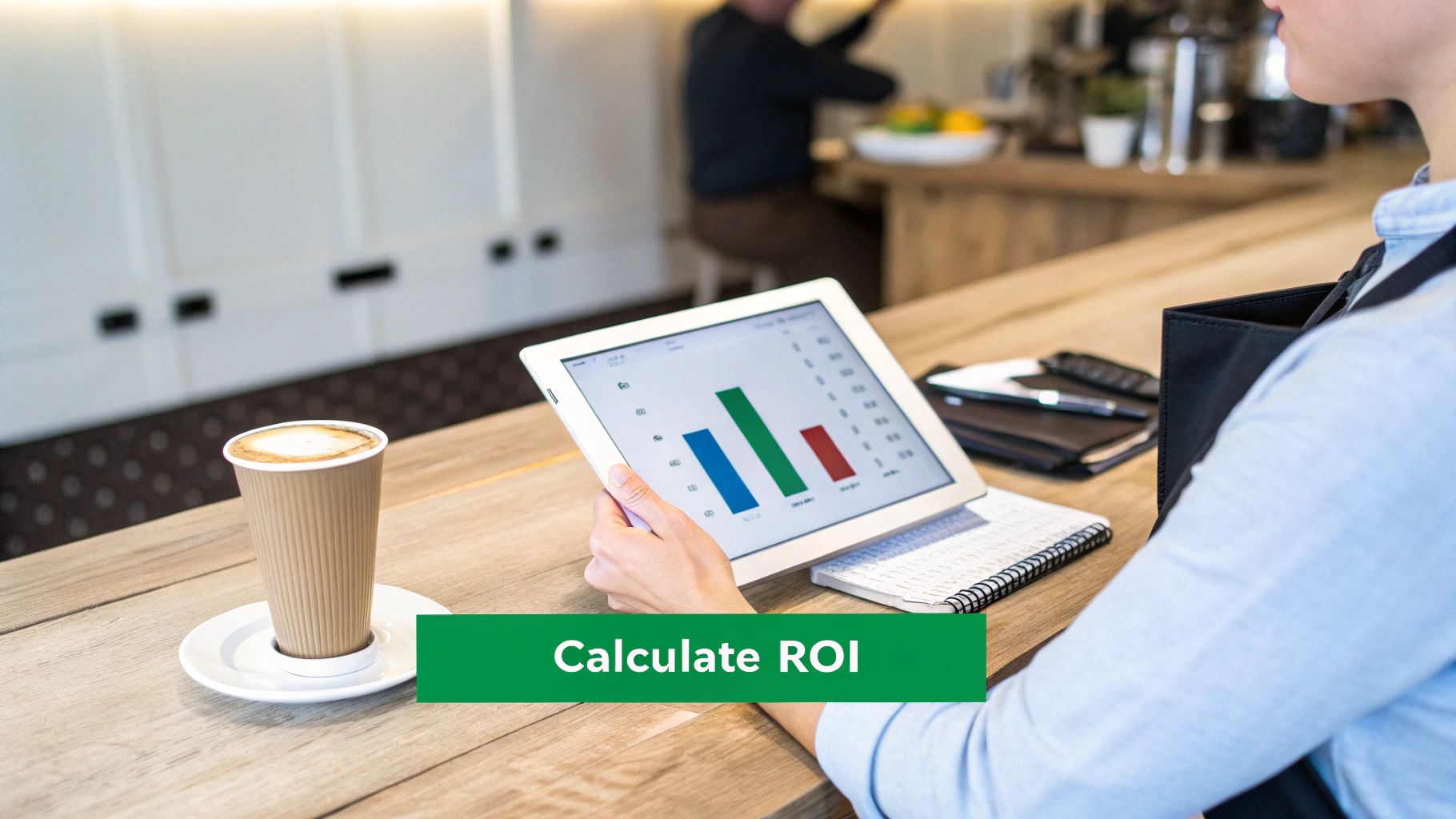
This isn't about fuzzy promises; it's about hard numbers. Think of a platform like TackOn Table not as another line item on your profit and loss statement, but as a machine built to make you more money. By taking over the repetitive, soul-crushing tasks and giving you clear data, it helps your restaurant run smarter and leaner.
Key Areas of Financial Gain
To figure out the ROI, you need to look at where you'll save money and where you'll make more. For most restaurants, the biggest wins come from a handful of key areas.
- Drastically Reduced Food Waste: When you know exactly what’s in the walk-in, you stop over-ordering. That precision puts a direct stop to tossing out perfectly good (and expensive) perishable ingredients.
- Lower Cost of Goods Sold (COGS): Good data leads to smart purchasing. The software helps you order just enough, at just the right time, so your cash isn't tied up in cases of ingredients that are just sitting on a shelf.
- Increased Staff Efficiency: Be honest—how many hours does your team sink into counting stock and placing orders every week? Automating that work frees them up to do things that actually make you money, like taking care of guests.
- Elimination of Lost Sales: Having to tell a customer you're out of your most popular dish isn't just awkward; it's a direct hit to your revenue and their experience. Automated low-stock alerts make that a problem of the past.
It's no surprise that restaurants everywhere are catching on. The market for this kind of software was valued at $2.25 billion and is expected to more than double by 2032. That kind of growth happens when a tool proves it's essential.
A Practical ROI Example
Let's break it down with a quick, real-world scenario for a small café.
Say your café currently loses about $500 a month in spoiled produce from ordering too much. A new system helps you slash that waste by 80%, which puts $400 a month back in your pocket. On top of that, it saves your manager 10 hours a month on manual counts and ordering. If you value that manager's time at $25/hour, that's another $250 in labor savings.
The ROI Formula: (Gain from Investment – Cost of Investment) / Cost of Investment
So, your total monthly gain is $650 ($400 + $250). If your TackOn Table subscription is $99/month, the math is simple:
($650 Gain – $99 Cost) / $99 Cost = 5.56
That means for every single dollar you put into the software, you get $5.56 back. That's a massive 556% monthly ROI—and we haven't even factored in the extra sales from never running out of your signature cronut again. If you want to see what these numbers could look like for your business, play around with our restaurant savings calculator.
Ready to turn your operational expenses into a profit center?
Start Your Free Trial with TackOn Table
Your Step-by-Step Implementation Plan
Worried that bringing in a new system is going to throw a wrench in your daily operations? It’s a common fear. The thought of a messy, complicated switch is enough to make any owner stick with a system they know, even if it’s broken.
But upgrading your inventory management software for small business doesn't have to be a nightmare. A smooth launch is all about breaking the process down into simple, manageable steps.
Modern platforms are built for this. Solutions like TackOn Table, for instance, are designed around easy setup. The goal is to get you configured and running in under an hour—not days or weeks. This isn't a massive overhaul; it's a quick tune-up that puts better tools in your hands from day one.
Your Launch Checklist
Think of this as your game plan. By tackling these steps one by one, you’ll build a solid foundation for accurate tracking and gain immediate control over your stock, without the stress.
-
Perform Your Initial Stock Count: First things first: you need a clean starting point. Before the system goes live, do one last, thorough physical count of every single item. We’re talking every bag of flour, every bottle of wine, every onion. This initial data is the bedrock of the system’s accuracy.
-
Enter Suppliers and Build Recipes: Next up, get your vendor details into the software. Then, start building out your recipes. This is where you connect each menu item to the ingredients it uses. It’s how the magic happens—when a customer orders a "House Burger" through your mobile POS, the system automatically knows to deduct one patty, one bun, and two slices of cheese from your live inventory.
-
Train Your Team: A tool is only as good as the people using it. Luckily, intuitive systems make training a breeze. A single, short session is usually all it takes to get your staff—from servers taking orders to kitchen managers checking in deliveries—comfortable with the new workflow.
-
Go Live and Monitor: Once your data is in and your team is ready, it's time to flip the switch. For the first few days, just keep an eye on your dashboard. Watch how sales automatically update your inventory levels and see how low-stock alerts get triggered. This initial period is perfect for fine-tuning your reorder points and making sure everything is clicking into place.
Upgrading your inventory system isn’t just about adopting new software; it's about adopting a more profitable way of running your business. The setup process is the first step toward a future with less waste, fewer stockouts, and more control.
This structured approach takes the mystery out of it all. What seems like a massive project becomes a series of simple, achievable tasks. It proves that moving to a powerful, integrated system is completely within reach for any restaurant, café, or food truck owner.
Ready to take control with a system designed for a fast and easy launch?
Book a Personalized Demo Today
Frequently Asked Questions About Restaurant Inventory Software
Let's tackle some of the most common questions that pop up when owners of restaurants, cafes, and food trucks start looking into inventory management software.
What's This Going to Cost Me?
The price tag on inventory software can be all over the map. You'll find everything from basic, free apps with limited features to massive enterprise systems that cost a fortune. For a small to medium-sized restaurant, the sweet spot is usually found within an all-in-one Restaurant POS system.
Think of it this way: instead of paying for a separate inventory tool and then dealing with the headache of trying to make it talk to your POS, you get everything under one roof for a simple monthly fee. With a system like TackOn Table, inventory management is already built-in, so you get a predictable cost without surprise fees or clunky integrations, highlighting our commitment to affordability.
How Tough Is It to Get My Staff Trained Up?
Honestly, this depends entirely on the system you pick. Some are so complicated they practically require a college course to operate. That's a huge problem, because if your team finds the software difficult, they just won't use it consistently, and your data will be a mess.
This is exactly why we designed TackOn Table with a super intuitive, mobile-first interface and an easy setup process. Your staff already knows how to use a tablet or a smartphone, right? That’s all it takes. The learning curve is incredibly short, which means less time spent in training huddles and more time taking care of your customers.
I Run a Cafe and a Food Truck. Can One System Handle Both?
Absolutely, but you have to be deliberate about choosing a system with multi-location control. This isn't just a "nice-to-have" feature; it's essential for anyone with more than one spot or with plans to grow.
A platform like TackOn Table is built for this. It gives you a central command center where you can see stock levels for both your cafe and your truck, transfer ingredients back and forth, and pull combined reports. It's the kind of bird's-eye view you need to stay in control, no matter where you are—a major reason why many see it as a powerful Toast vs Clover alternative.
Ready to see how TackOn Table can take the headache out of inventory and boost your bottom line with a platform that's actually easy to use?
Start Your Free Trial Today
See how TackOn Table works for your restaurant. Same-day call →