

Your point-of-sale (POS) system should be more than just a cash register. Think of it as your restaurant's mission control—an intelligent hub that connects every single sale directly to your stockroom. When an order is punched in, the system automatically deducts the ingredients used, replacing tedious manual counts and costly guesswork with data-driven precision.
Why Your Restaurant Needs a Smart POS System
Ever tried to prep a signature dish only to find you're out of a key ingredient? Or worse, had to tell a customer their favorite item is sold out during the Friday night rush? These aren't just minor frustrations; they're symptoms of a disconnected operation where your front-of-house is flying blind without a real-time link to your inventory.
This is exactly the problem an inventory management POS system is designed to solve. It acts like a smart assistant that knows precisely how many burger patties, brioche buns, and slices of cheddar you have left because it subtracts them from your stock the instant a "Classic Cheeseburger" is ordered. This seamless, all-in-one connection completely changes how a restaurant, café, or food truck runs.
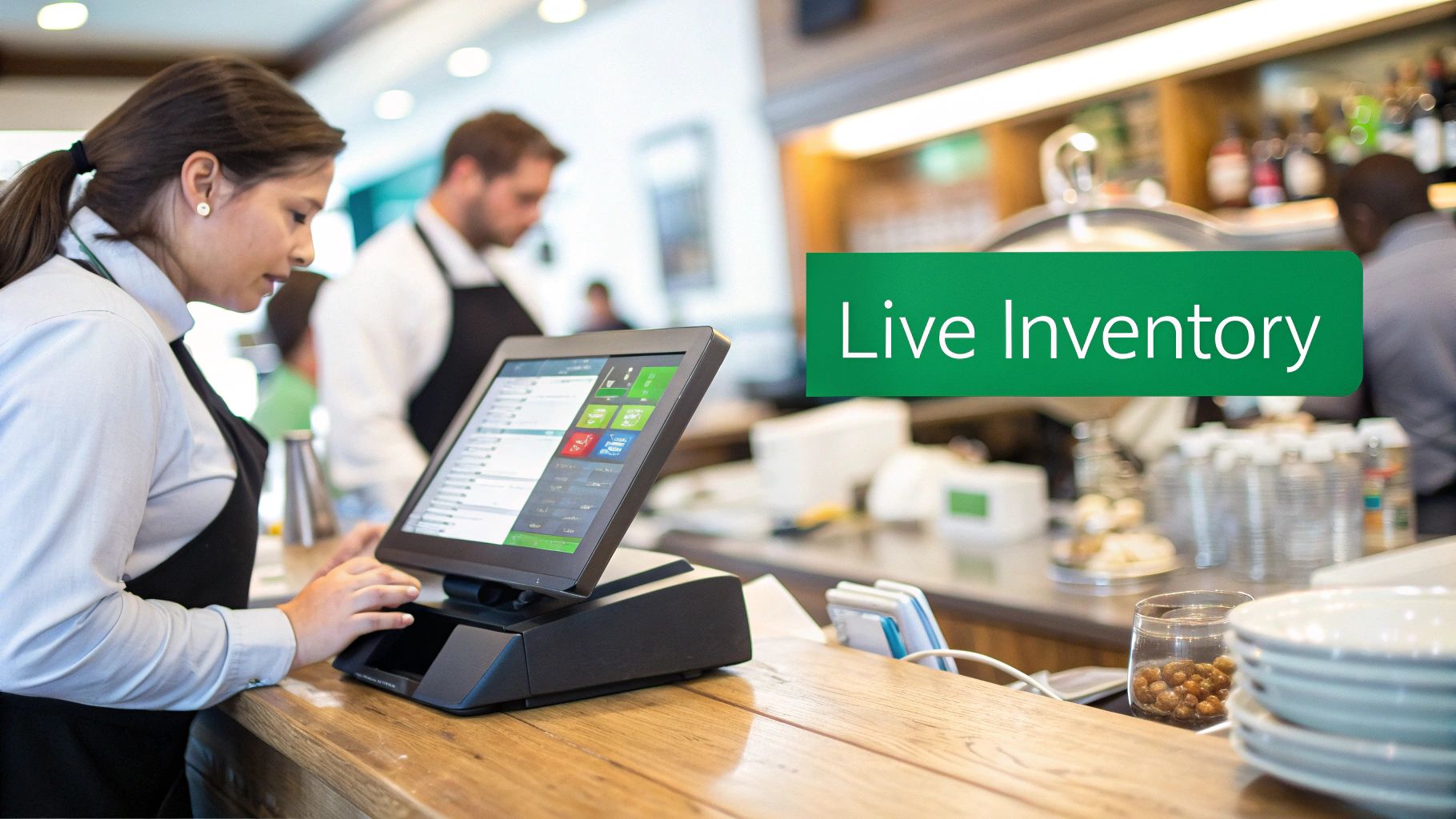
From Manual Counts to Automated Control
For years, "taking inventory" meant late nights with clipboards and spreadsheets. It was a slow, frustrating process, riddled with human error, and almost always out-of-date. By the time you finished counting, your stock levels had already changed.
A modern inventory management POS flips that entire model on its head. It gives you a live, accurate view of your whole business, from the walk-in freezer to the dining room floor. Here’s how it fundamentally changes the game:
- Real-Time Data Syncing: Every sale instantly updates your inventory, giving you a constantly accurate picture of what you have on hand. No more surprises.
- Ingredient-Level Tracking: It doesn't just track "Caesar Salads." It tracks the ounces of romaine, croutons, and dressing, giving you pinpoint control over your food costs.
- Reduced Guesswork: Instead of just guessing what to order from suppliers, the system uses sales trends and current stock levels to give you data-backed suggestions.
This shift from being reactive to proactive is what it's all about. In the fast-paced world of food service, these systems directly boost your bottom line by cutting waste and keeping your stock perfectly optimized.
The numbers don't lie. The global Retail POS System market was valued at USD 25.6 billion in 2023 and is expected to hit USD 47.2 billion by 2032. Restaurants that adopt these systems report up to a 30% reduction in overstocking, and multi-location businesses can slash manual reconciliation time by 50%. Platforms like TackOn Table unify inventory with orders and payments, creating a much smarter way to run things. You can dig deeper into these numbers by checking out the global POS market trends on DataIntelo.com.
The All-in-One Advantage of Café Management Software
For cafes, food trucks, and even bustling restaurants, keeping things simple is crucial. An all-in-one system like TackOn Table combines your POS, payments, and inventory into one clean, easy-to-use platform. This gets rid of the headache of trying to make different, disconnected software tools talk to each other.
With everything under one roof, you get what every owner wants:
A Single Source of Truth: No more discrepancies between your sales reports and your inventory sheets. One system means one accurate set of numbers to guide every business decision you make.
This integrated approach is what makes modern platforms powerful Toast vs Clover alternatives. They deliver robust features without the complexity or high price tag, focusing on what really matters: being affordable, simple, and adaptable to your business's unique needs.
Ready to see how an all-in-one system can transform your operations? Book a Demo of TackOn Table and discover a smarter way to manage your inventory.
What an Integrated Inventory System Actually Does for You
Let's get real. An integrated inventory POS system isn't just another piece of tech—it's about making tangible, measurable improvements to your bottom line. It's not about counting widgets; it’s about turning the raw data from every single sale into smarter decisions that directly cut costs and fatten up your profit margins.
This all comes down to four key areas: radically reducing waste, saving a ton on labor, speeding up service, and making it possible to manage multiple locations without pulling your hair out.
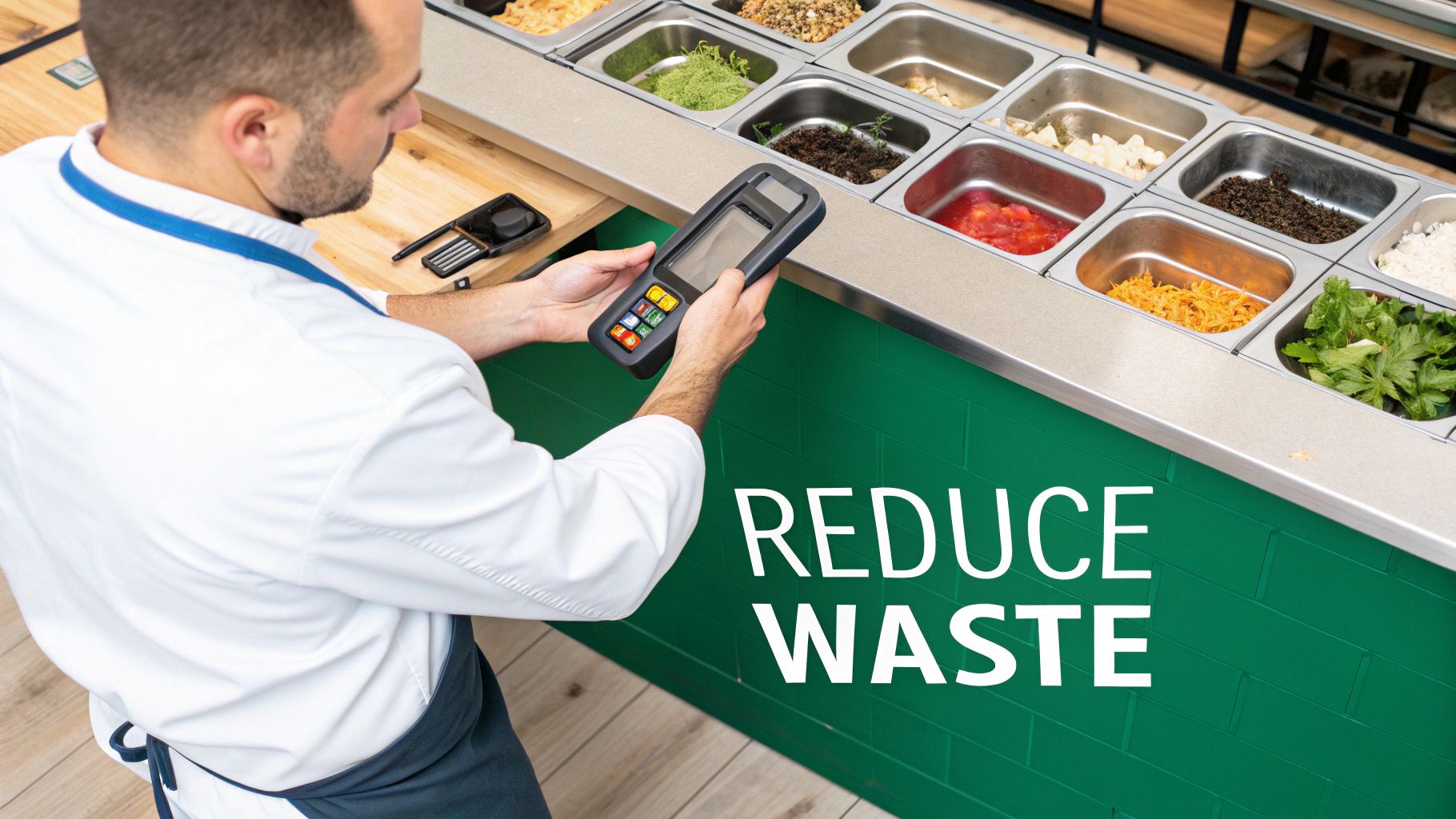
Think of your POS as the central nervous system of your restaurant. Every transaction sends a signal, giving you a crystal-clear picture of what's happening. By connecting the customer's order directly to your stockroom, you finally eliminate the guesswork that leads to so many expensive mistakes.
Slash Food Waste and Boost Profit Margins
Food waste is the silent killer of restaurant profits. It's the box of avocados that went bad or the case of milk that expired before you could use it. An inventory-aware POS system fights this battle for you with up-to-the-minute data.
Imagine this: you get a ping on your phone letting you know the fresh basil for your margherita pizza is about to turn. That’s your cue to run a "buy one, get one" pizza special. Just like that, you've turned a potential loss into a win. That’s what a connected system does.
- Real-Time Tracking: Every time a burger is sold, the system automatically deducts one bun, one patty, and two slices of cheese from your inventory. This puts a stop to over-ordering perishables that you know will spoil.
- Automated Alerts: Get ahead of problems with low-stock and expiration-date warnings. No more surprise shortages during the dinner rush.
- Data-Driven Ordering: The system learns your sales patterns. It knows you sell more fish on Fridays and more steaks on Saturdays, helping you order just enough—never too much or too little.
Getting a handle on spoilage and optimizing your purchase orders can easily lead to a 20-30% reduction in food costs. See what that might look like for your business with our restaurant savings calculator.
Reclaim Labor Hours and Empower Your Team
Seriously, how many hours does your team burn doing manual inventory counts? The late nights with clipboards and spreadsheets, trying to decipher handwriting in a cold walk-in—it's a massive time suck.
An automated system gives those hours back.
Instead of counting bottles, your bar manager can be on the floor, training a new bartender or getting feedback from regulars. That’s a far better use of their time and talent, and it's how you build a team that cares about the guest experience.
An inventory management POS system doesn't just manage stock; it manages time. By automating routine tasks, it gives your most valuable asset—your team—more time to create amazing guest experiences.
Elevate Service with a Smarter Restaurant POS
There's almost nothing worse for a customer than getting their heart set on a dish, only for the server to come back and say, "Sorry, we're out of that." It's a huge letdown. When your inventory is accurate, you can prevent that disappointment before it happens.
When your POS knows you’re down to your last five brioche buns, it can automatically "86" the Gourmet Burger from your online menu and in-house terminals. It's a simple, proactive step that keeps the customer experience smooth and positive. For a modern cafe, this kind of control isn't a nice-to-have; it's essential.
Master Multi-Location Management with Ease
For operators trying to grow from one location to five, consistency is everything. An inventory management POS system built for multi-location businesses, a key part of TackOn Table, gives you a single dashboard to see it all.
From one screen, you can:
- Check real-time stock levels across all your restaurants.
- Shift inventory from a slower store to a busier one to prevent stockouts.
- Roll out a menu change to every location with a single click.
- Compare sales data to see which branches and menu items are your true rockstars.
This kind of central command makes you a much more effective operator. It ensures every one of your locations runs with the same smarts and consistency, offering a powerful Toast vs Clover alternative for anyone looking to scale. TackOn Table’s mobile POS capabilities mean you can even manage it all from your phone.
Ready to see how this works in the real world? Book a demo and let's get your inventory under control.
What to Look For: The Must-Have Features in a Restaurant POS
When you start shopping for a POS system with inventory management, you'll find a lot of options out there. But here’s the thing: many of them only scratch the surface. They might count your stock, but a truly great system does so much more. It acts as the command center for your entire operation, whether you're running a bustling restaurant, a cozy café, or a nimble food truck.
Let's break down the non-negotiable features that really make a difference. These are the tools that give you the kind of sharp, data-driven insights you need to not just survive, but truly thrive.
Ingredient-Level and Recipe Tracking
This is the absolute bedrock of smart restaurant inventory. Forget just tracking "burgers sold." Ingredient-level tracking gets into the nitty-gritty, deducting the specific components—one beef patty, two slices of cheese, one brioche bun—every single time a customer orders.
Why does this matter so much? It’s the only way to know the true cost of every plate that leaves your kitchen, a critical metric we call Cost of Goods Sold (COGS). Without this, you're flying blind, just guessing at which menu items are actually making you money. A system with this level of detail reveals your true profit-makers and flags the dishes that might be draining your bank account.
Automated Purchase Ordering and Vendor Management
We’ve all been there: that sinking feeling when you run out of a crucial ingredient mid-shift. Automated purchase ordering is your secret weapon against that nightmare. You simply set "par levels"—your ideal minimum stock—for key items. When your supply of espresso beans or avocadoes dips below that number, the system automatically drafts a purchase order for you to approve.
This simple feature takes the guesswork and human error out of reordering, ensuring a stockout never catches you off guard again. The best systems also bundle in vendor management tools, letting you keep supplier contacts, order histories, and price comparisons all in one tidy place.
Real-Time Stock Alerts and Forecasting
A good POS tells you what you have on hand right now. A great POS tells you what you’ll need next week. Real-time stock alerts are your early warning system, pinging your phone or tablet when you’re running low on something important, giving you plenty of time to react.
Even better is sales forecasting, which digs into your past sales data to predict future demand. It can spot trends you might miss—like a surge in soup sales whenever the temperature drops—helping you order smarter and drastically cut down on costly waste.
A smart POS that connects sales data directly to inventory can help you sidestep the 4-10% of sales losses that many food businesses bleed out due to spoilage. It turns your own history into a powerful, money-saving crystal ball.
This kind of integrated technology is fueling massive change. The global POS System Devices market is expected to jump from US$82,130 million in 2025 to a staggering US$157,950 million by 2031. Why? Because restaurants are using these tools to achieve up to 40% faster order processing simply by always having what they need, when they need it. You can explore how POS devices are shaping the market on infinitymarketresearch.com.
Essential Inventory Management POS Features Checklist
Use this checklist to evaluate if a POS system has the inventory features your restaurant needs to thrive.
| Feature | What It Solves | Included in TackOn Table |
|---|---|---|
| Real-Time Stock Counts | Eliminates guesswork and provides an accurate, live view of inventory. | ✅ |
| Recipe-Level Tracking | Automatically deducts ingredients per dish for precise COGS and usage data. | ✅ |
| Automated Purchase Orders | Prevents stockouts by generating POs when items hit a minimum threshold. | ✅ |
| Vendor & PO Integration | Manages supplier relationships and centralizes ordering history. | ✅ |
| Sales Forecasting | Uses historical data to predict future needs, reducing waste and overstocking. | ✅ |
| Barcode & Scale Support | Speeds up inventory counts and receiving with hardware integration. | ✅ |
| Mobile & Handheld Access | Allows inventory management from anywhere, on any device. | ✅ |
| Authentication & Security | Protects sensitive data with role-based access for staff. | ✅ |
| Analytics & Alerts | Delivers actionable reports and low-stock notifications to prevent issues. | ✅ |
This isn't just a list of bells and whistles; these are the core functions that give you true command over your costs and operations.
Mobile and Handheld Access
Your business doesn't stop just because you've stepped out. Mobile POS access is all about giving you the freedom to manage your restaurant from literally anywhere. With the right platform, your tablet or smartphone becomes your control panel, letting you:
- Do a quick inventory check from inside the walk-in cooler.
- Approve a purchase order while you’re at the bank.
- Check on sales and stock levels across all your locations in real-time.
This kind of flexibility is a must for any modern owner. It puts total control of your business in the palm of your hand. Gaining a deep understanding of the unique demands of the restaurant and bar industry is key to knowing which features will have the biggest impact on your success.
Robust Reporting and Analytics
Finally, all the data in the world is useless if you can't make sense of it. Your POS absolutely must deliver clear, easy-to-digest reports that give you actionable information. Look for a system that can instantly show you:
- Top-Selling Items: Know which dishes are your stars so you can feature them.
- Food Cost Reports: Track your COGS and profit margins down to the penny.
- Waste and Spoilage Reports: See exactly where money is being thrown in the trash.
- Inventory Variance Reports: Compare what you should have with what you actually have to spot portioning problems or potential theft.
These reports are your road map to a healthier, more profitable business. The best systems present this data in a clean, visual dashboard, turning complex numbers into simple decisions that directly boost your bottom line.
Ready to see how these essential features come together? Start your free trial today and get a firsthand look at a smarter way to manage your inventory.
Choosing the Right POS for Your Food Truck, Café, or Restaurant
Let’s be honest: the POS system a food truck needs is worlds away from what a fine-dining bistro requires. Trying to force one system to fit all is a recipe for disaster. The right inventory management POS system isn't just a tool; it's a partner that understands the specific rhythm and challenges of your restaurant.
Before you even start looking at demos, it helps to get a lay of the land. Understanding the various types of POS systems available will give you the context you need to cut through the noise and focus on what’s truly essential for your day-to-day operations.
Quick-Service Restaurants (QSRs) and Food Trucks
For QSRs and food trucks, speed is everything. Every second counts during the lunch rush, so your POS has to be built for rapid-fire orders and high-volume sales. Here, inventory isn't about complex recipes; it's about tracking pre-portioned items—how many burger patties, buns, and soda cups you have left.
The real challenge is maintaining accuracy when you're moving that fast. A system with solid mobile POS functionality is a game-changer, especially for food trucks. It lets you take orders and payments from anywhere, all while your inventory counts update instantly in the background. No more telling a customer you're out of your best-seller right in the middle of a rush.
This chart can help you quickly map out whether your biggest pain points are tied to menu costs or just keeping items in stock.
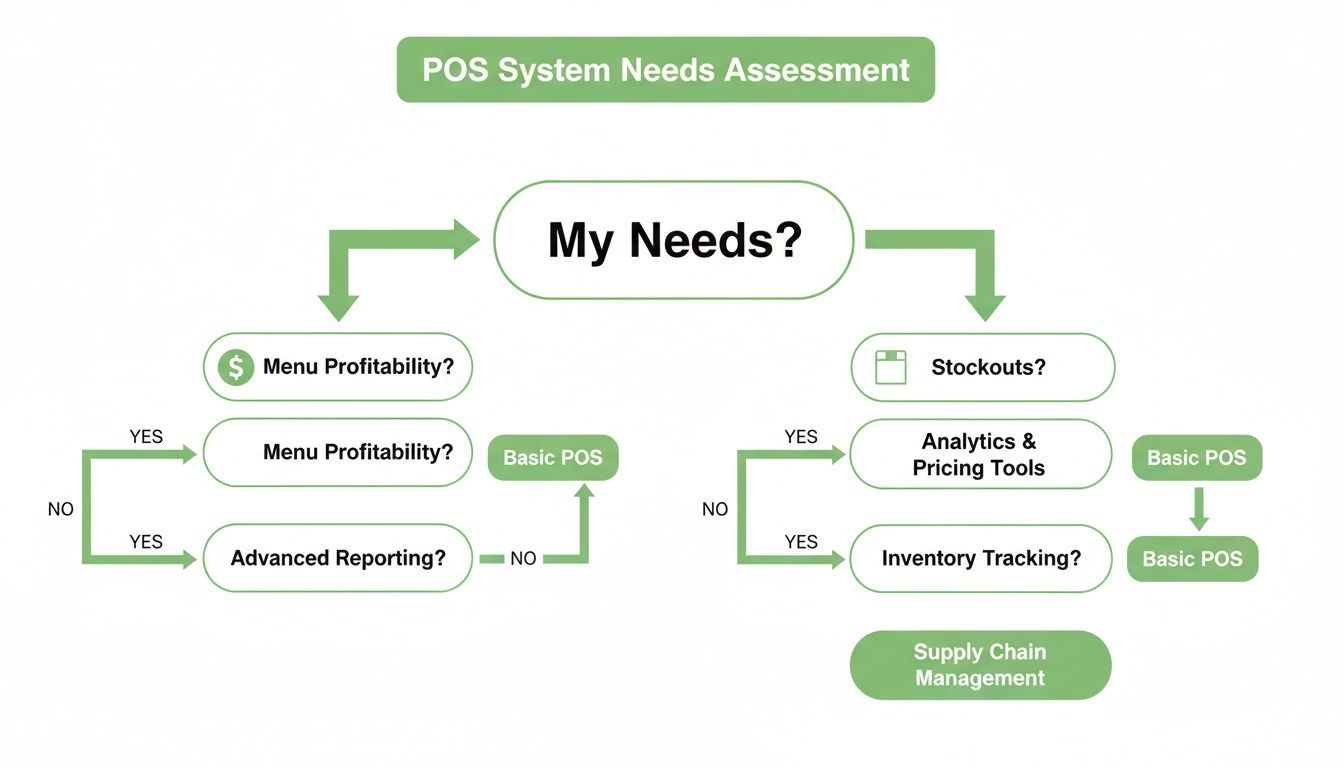
Think of it as a guide to prioritizing features—it points you toward the path that will have the biggest impact on your bottom line.
Full-Service Dining and Bistros
Full-service restaurants are a different beast entirely. Your inventory management POS system needs to handle serious complexity, from detailed recipe costing to the nuances of a full bar. It’s not enough to track a steak; you need to account for the half-ounce of wine in the sauce and the single sprig of rosemary used as garnish.
Ingredient-level tracking is absolutely non-negotiable. It's the only way to calculate your true plate costs and see which menu items are actually making you money. The same goes for the bar, where tracking liquor by the shot and wine by the glass is critical for profitability.
A great POS for a full-service spot acts like a financial co-pilot. It gives you deep insights into your menu's profitability, helping you engineer a more successful dining experience from the kitchen out.
Cafés and Coffee Shops
If you run a café, your inventory headaches are all about two things: perishables and batches. You’re juggling daily milk deliveries, pastries that go stale in a day, and big batches of cold brew or the soup of the day.
Your POS has to be smart enough to manage this. It should help you keep an eye on expiration dates and simplify batch production. For instance, when you brew a gallon of iced coffee, the system should automatically deduct the right amount of beans and filtered water. Then, as you sell each cup, it subtracts from that finished batch. This gives you a crystal-clear view of what you made versus what you sold.
Multi-Location Restaurant Groups
When you're running a restaurant group or franchise, your world revolves around consistency and centralized control. An inventory management POS system designed for multiple locations isn't a luxury—it's the only way to keep things from spiraling into chaos.
A unified dashboard is key. It allows you to:
- See stock levels across all your locations in real time.
- Standardize menus and recipes, pushing updates to every restaurant instantly.
- Compare sales data to see which branches are thriving and which are struggling.
- Move inventory between stores, shifting surplus from one spot to another that’s running low.
This is the kind of oversight that transforms a loose collection of restaurants into a cohesive, efficient brand. It's what makes a system a powerful tool for owners focused on scaling their business.
How to Implement Your New Inventory System
Making the switch to a new inventory management POS might feel like a massive undertaking, but it's more of a quick upgrade than a full-blown operational overhaul. With a solid plan, the transition can be surprisingly fast and straightforward. We’re not talking about weeks of downtime here—just a few simple steps to get a much smarter system in place.
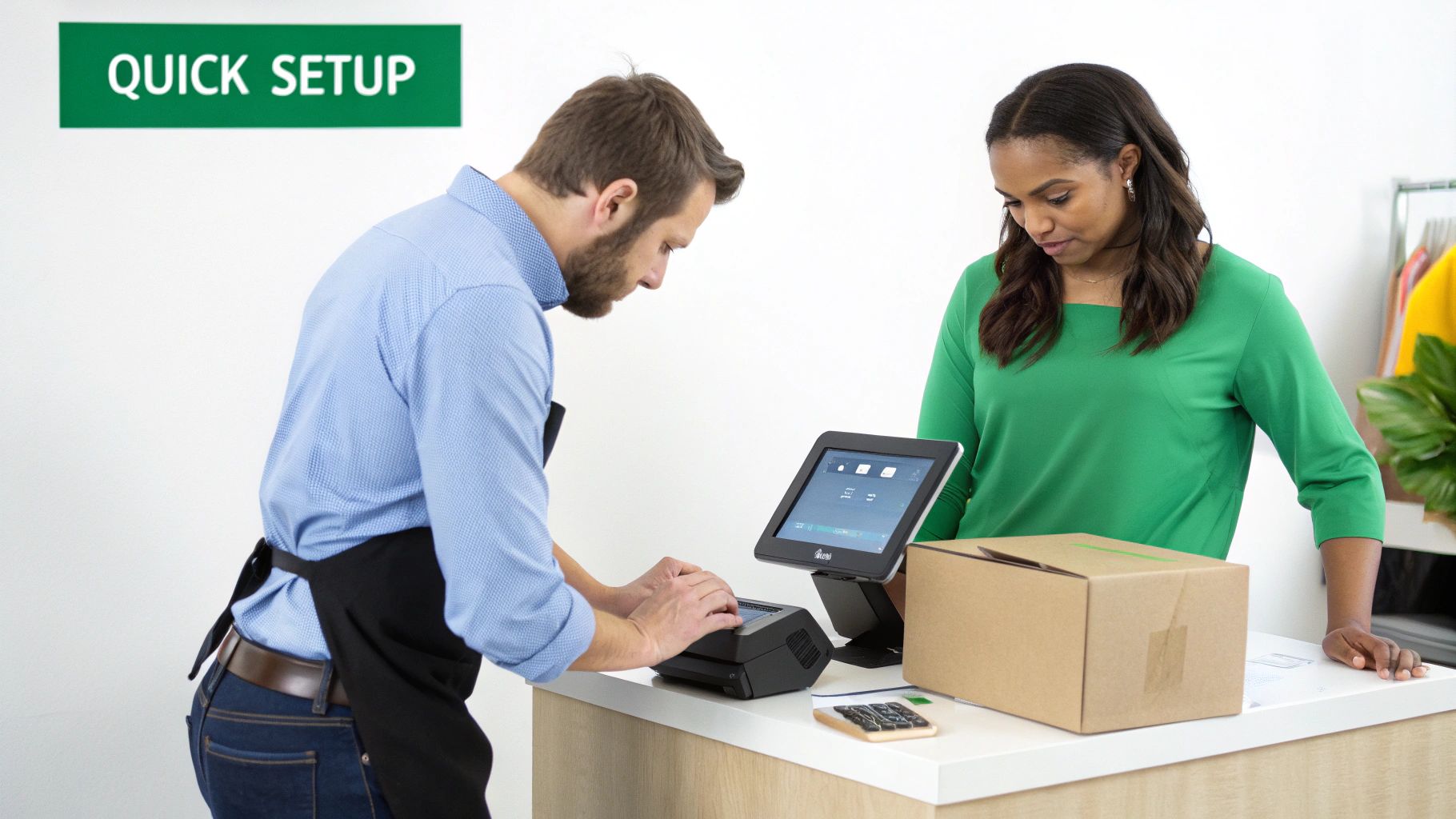
The whole point is to get you up and running without disrupting a single dinner service. The right system is built for a painless setup, letting you take control of your stock from the moment you turn it on.
Your Quick-Start Implementation Checklist
A smooth rollout comes down to a bit of prep and a logical, step-by-step approach. Think of it less like a complicated tech project and more like organizing your walk-in for peak efficiency.
Here’s a simple, three-step process to get you started:
-
Prepare Your Data: Before you do anything else, you need to gather your core information. This means your complete menu with current pricing, a list of all your suppliers with their contact info, and an accurate, wall-to-wall count of your current inventory. Accuracy is everything at this stage—garbage in, garbage out. A clean starting point makes your system's data trustworthy from day one.
-
Configure Your System Settings: This is where the real work gets done for you. Once your data is loaded, you can set up automated low-stock alerts, link menu items to their ingredient recipes, and establish reorder points (or par levels) for your most important supplies. This is the step that turns your POS into a proactive assistant that knows what you need before you do.
-
Train Your Team: A tool is only as good as the people using it. Block out some time for a quick training session to walk your staff through the new process. Keep it simple and focus on the tasks they’ll handle every day, like checking in a new delivery or looking up stock levels on a handheld device.
TackOn Table Makes Setup Simple
We get it—your time is your most valuable asset. That's why TackOn Table was designed for an easy setup you can finish in under 30 minutes. You don't need to be a tech wizard. Our onboarding team provides free setup and training, walking you through every step so you're confident and ready to roll.
This focus on simplicity and hands-on support is a big reason why restaurant owners see us as a powerful alternative to more complex systems like Toast or Clover. We believe in giving you robust tools without the headache.
Bringing in an inventory-aware POS is a game-changer for cutting waste and boosting profit. The global Point of Sale market, valued at USD 38.56 billion in 2025, is expected to hit USD 110.22 billion by 2032, largely because of these advanced inventory features. For many restaurants, this tech is what helps them slash food waste by 25-30% by connecting their purchasing directly to real sales trends. You can read the full research about these explosive market stats on fortunebusinessinsights.com.
Sidestepping Common Rollout Hurdles
Even with a simple process, a few common roadblocks can pop up. The biggest one? Inaccurate initial data. If that first stock count is off, every report that follows will be wrong. The fix is simple: double-check your counts. Better yet, have a second person verify them.
Another hurdle is getting staff on board with change. The best way to win them over is to show them what's in it for them—no more late-night manual counts, and fewer awkward "sorry, we're out of that" conversations with guests. When they see it makes their jobs easier, they'll become its biggest fans.
Ready to see how fast and easy a new system can be? Request your free trial of TackOn Table and experience a seamless transition for yourself.
Ready to Take Control of Your Restaurant's Future?
In a business with razor-thin margins, guessing is a luxury you just can't afford. An inventory management POS isn't just another piece of tech; it's the operational heart of a profitable, efficient restaurant. When you switch from gut feelings to data-backed decisions, you do more than just manage stock—you cut waste, simplify your day-to-day, and win back time to focus on what really matters: your food and your guests.
This is exactly why we built TackOn Table. We designed an all-in-one platform to give you a true command center for your entire operation. Imagine tracking every last ingredient across all your locations, or having the flexibility of a mobile POS that lets you manage things from the storeroom, the floor, or even from home. We looked at the complexity in many Toast vs Clover alternatives and built ours with an easy setup and a clean, intuitive interface at its core.
It's time to put an end to the frantic manual counts and the "86" list that kills your profits and frustrates your team. Take back control with a system that’s powerful, affordable, and refreshingly simple to use. See for yourself how the right tools can completely change the way you run your business.
Curious to see how it works? Book a personalized demo, and we'll show you exactly how TackOn Table can be tailored to your restaurant's specific needs.
FAQ: Questions About Restaurant Inventory POS Systems
Jumping into new restaurant tech can feel overwhelming, and it's natural to have questions. Let's tackle some of the most common ones we hear from owners just like you.
How Long Does It Take to Get a POS System Up and Running?
This really depends on the system, but you shouldn't have to wait weeks. Modern, cloud-based platforms are built for speed. With a system like TackOn Table, for example, you can get everything set up in under 30 minutes.
The goal is to get you back to running your restaurant, not stuck in a complicated tech setup. A good system will have a simple, guided process to import your menu, add your suppliers, and input your starting inventory counts. We even provide free setup and training to make sure your team feels comfortable right from the start.
Can a POS System Really Track Every Single Ingredient?
You bet. In fact, this is where the real magic happens. A true restaurant inventory POS lets you build out recipes for every item on your menu.
Think about your 'Classic Burger'. In the system, you link it to its components: 1 beef patty, 1 bun, 2 slices of cheese, and 10g of lettuce. Every time a customer orders that burger, the POS automatically subtracts those exact amounts from your stock.
It's a game-changer. You get pinpoint-accurate food cost data and know precisely when you're low on buns or cheese—not just a vague sense that you're running out of "burgers." This is how you uncover the true profitability of each dish.
Is This Kind of System Affordable for a Small Cafe or Food Truck?
Absolutely. Modern POS systems are a world away from the clunky, expensive legacy systems of the past. The days of huge upfront hardware investments are over.
Cloud-based solutions like TackOn Table use a subscription model, with clear pricing that grows with your business. For a small café or a food truck, the monthly cost is quickly covered by the money you save—less food waste, fewer ordering mistakes, and no more cash tied up in overstocked ingredients.
We offer a 30-day free trial and have a no-long-term-contract policy, so you can see the return on investment for yourself without any big financial risk. It's one of the reasons we're seen as a great Toast vs Clover alternative.
How Does This Work for a Restaurant Group with Multiple Locations?
This is precisely what cloud-based systems are designed for. A POS with multi-location control gives you a single, centralized dashboard. From there, you can see sales data, check stock levels, and pull reports for every single location, all in real time.
Need to update the price of a menu item? You can manage a master menu and push changes to all stores at once. You can also track inventory transfers between locations and easily compare how each one is performing.
It gets rid of the headache of logging into different systems for each restaurant. Everything is in one place. With mobile access, you can even manage your entire group from a phone or tablet, ensuring consistency and control no matter where you are.
Ready to see how an intuitive, all-in-one TackOn Table system can simplify your operations and boost your bottom line?
Book a Demo Today and take the first step toward smarter inventory management.