

If you're ready to take credit card payments over the phone, you've got a few solid options. You can manually punch in the card details using a virtual terminal, text the customer a secure payment link, or even use a mobile card reader to get remote authorization. Modern, all-in-one restaurant POS systems like TackOn Table build these tools right in, making the whole process surprisingly simple, secure, and affordable.
Why Your Restaurant Needs to Accept Phone Payments
Relying only on in-person payments is like closing your doors to a huge chunk of your customers. People are busy, and they expect the convenience of calling in an order—whether it's for a quick lunch pickup, a family dinner delivery, or a big catering job—and paying for it on the spot. This isn't just a frill; it's a direct path to more sales and happier customers.
When you open up to phone payments, you immediately start winning over customers who’d rather make a quick call than fiddle with an online ordering site. That human touch builds real loyalty, makes handling large group orders a breeze, and, most importantly, secures the payment before your kitchen even fires up the grill.
Capturing More Revenue Streams
Let's face it, your customers interact with you in all sorts of ways. Some love your app, others find you on third-party delivery services, and a surprising number still prefer the simple, direct connection of a phone call. Ignoring that last group is like putting up a "closed" sign for them.
Just think about these everyday situations:
- The Office Lunch Order: A local business calls to order lunch for the whole team. Getting that payment upfront means no risk of a no-show and a much smoother pickup.
- The Busy Parent: A parent is driving home and wants to order and pay for dinner so it's hot and ready the second they walk in.
- Catering and Events: A potential client wants to book your catering service and needs to pay the deposit right now to lock in the date.
In every one of these scenarios, being able to take a credit card over the phone is what seals the deal. It's about meeting people on their terms and giving them the easy experience they're looking for. You can dive deeper into optimizing these processes in our guide to full-service restaurant management.
Once you start treating your phone as another point of sale, it stops being just a phone and becomes a powerful sales tool. That kind of adaptability is what keeps you competitive and makes your business stronger.
The TackOn Table Advantage
This is exactly where having an all-in-one system like TackOn Table changes the game. Forget about fumbling with a separate, clunky terminal for phone orders. Our mobile POS weaves these payments directly into your daily operations.
With built-in tools like a straightforward virtual terminal and multi-location management, taking a payment over the phone is just as secure and seamless as swiping a card in person. The setup is painless, and it’s affordable enough for everyone from a single food truck to a growing café chain, highlighting our advantage in simplicity and adaptability.
Ready to see how simple it is to turn your phone calls into revenue? Book a Demo with TackOn Table and let us show you a smarter way to run your restaurant.
Restaurant POS: Virtual Terminals vs. Payment Links
So, you're ready to take payments over the phone. Great. But how exactly should you do it? In a modern restaurant POS like TackOn Table, you generally have two solid options: a virtual terminal or a secure payment link.
It's not about which one is "better," but which one makes the most sense for a specific order. One is built for speed, the other for enhanced security and customer control. Let's break down when and why you'd use each.
Fast and Direct: Keyed-In Entry with a Virtual Terminal
Think of a virtual terminal as the digital version of an old-school credit card machine. It’s an interface right inside your POS where your staff can manually type in a customer's card details during the call. This is what we call a keyed-in entry.
Your staff member takes the order, asks for the card number, expiration date, and CVV, and punches it directly into the system. The transaction is approved in seconds, and the conversation is done. It's incredibly efficient.
This is your go-to for the Friday night pizza rush or the quick lunch takeout order. When the phone is ringing off the hook, the speed of a virtual terminal is your best friend. The key, of course, is making sure your team is well-trained on handling that sensitive data securely, even with the protection of a system like TackOn Table.
A virtual terminal is all about efficiency. It's perfect for standard, high-volume phone orders where the customer just wants to pay and get on with their day.
Extra Security: Sending a Secure Payment Link
Your other option is to sidestep handling card details altogether by sending the customer a secure payment link. Instead of reading their card number out loud, you generate a unique link from your TackOn Table POS and text or email it to them.
They tap the link, it opens a secure, branded page on their own device, and they enter their payment info themselves. Simple as that. This is a game-changer for security because your staff never hears, sees, or writes down a full credit card number.
This approach dramatically cuts down your PCI compliance headaches and puts customers at ease. It's ideal for larger or more complex orders, like a catering job or a big corporate lunch. Customers often appreciate being able to review an itemized invoice before they pay, and this method allows for that seamlessly. It's a must-have feature when considering Toast vs Clover alternatives.
This flowchart really simplifies the decision-making process for your staff.
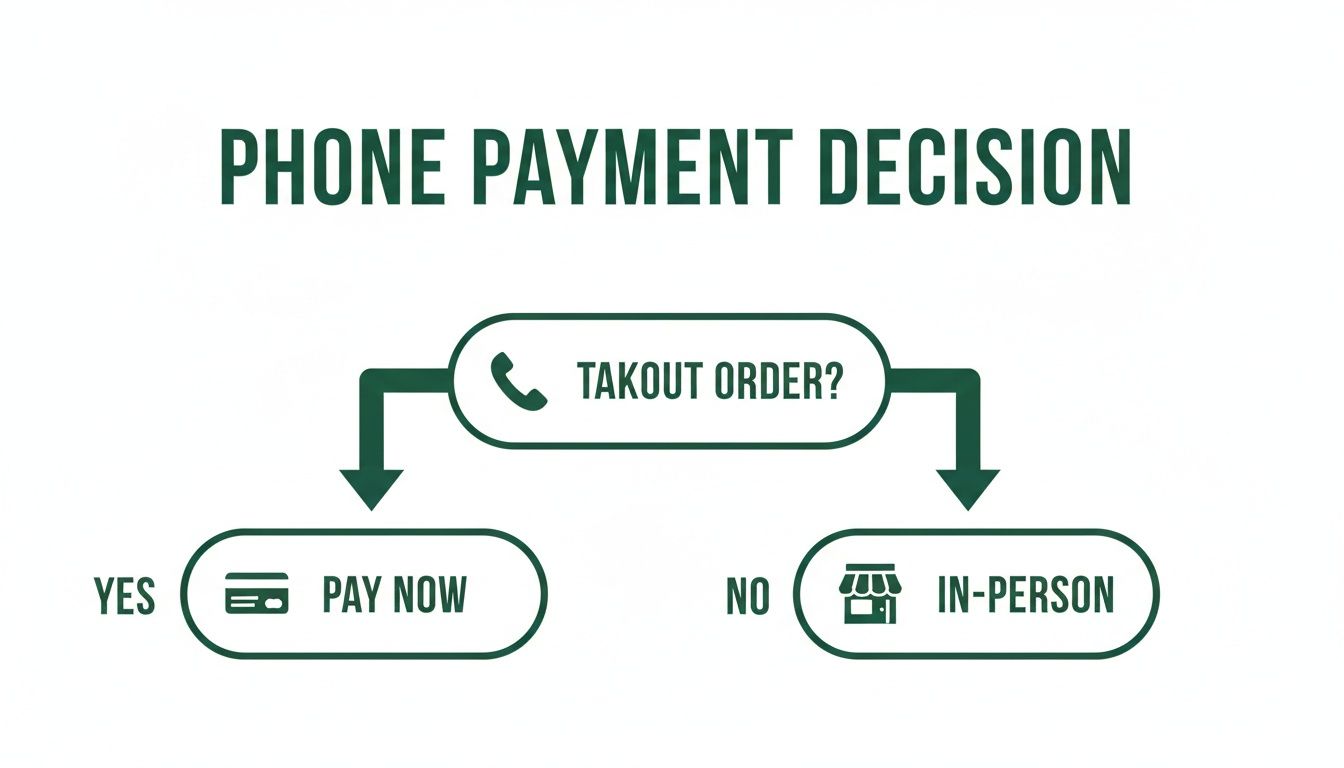
For a straightforward takeout order, taking payment right away just makes sense. It keeps things moving and makes pickup a breeze for everyone.
Comparing Phone Payment Methods for Your Restaurant
Still weighing your options? This table breaks down the key differences between a virtual terminal and a payment link to help you see which method fits different situations in your restaurant.
| Feature | Virtual Terminal (Keyed-In Entry) | Payment Links (Customer-Led) |
|---|---|---|
| Best For | High-volume, standard takeout & delivery | Large orders, catering, invoices, security-conscious customers |
| Transaction Speed | Immediate. Payment is completed in a single phone call. | Slightly delayed. Depends on how quickly the customer acts on the link. |
| Staff Responsibility | High. Staff directly handles sensitive card data. | Low. Staff never sees or hears the full card number. |
| PCI Compliance Scope | Broader. Requires strict data handling protocols. | Narrower. Shifts the data entry responsibility to the customer. |
| Potential for Error | Higher. Risk of staff mis-keying a number. | Lower. The customer is responsible for entering their own info. |
| Customer Experience | Quick and conversational. | Secure and empowers the customer with control. |
Ultimately, having both tools at your disposal means you're prepared for any customer preference or order type.
How to Choose in the Moment
The beauty of a flexible café management software like TackOn Table is you don't have to commit to just one. You empower your team to make the right call, order by order.
-
When to use a Virtual Terminal:
- For your everyday takeout or delivery orders.
- With repeat customers who are comfortable giving their info.
- When the phone queue is long and speed is essential.
-
When to use a Payment Link:
- For big catering jobs or event deposits tied to an invoice.
- When a customer seems hesitant or asks about security.
- To minimize your restaurant's PCI liability as a general practice.
And the data shows this flexibility is crucial. In 2024, the average U.S. consumer made 48 payments per month, with credit cards leading the charge—especially for payments made remotely. As outlined in the full 2025 payments diary study, people are more comfortable than ever paying from their phones. Being able to meet that expectation is no longer a "nice-to-have," it's essential.
By offering both options, you're sending a clear message: you respect your customers' time and their security. An all-in-one platform like TackOn Table makes it easy to manage both workflows, so your team can focus on what they do best—serving great food.
Ready to see how simple this can be for your restaurant?
Start Your Free Trial or Book a Live Demo to see how TackOn Table can work for you.
A Practical Guide to PCI Compliance and Fraud Prevention
The moment you decide to take credit card payments over the phone, you’re dealing with what the industry calls “card-not-present” (CNP) transactions. This immediately puts security and compliance front and center. It’s a big responsibility, but managing sensitive customer data over a call doesn't have to be a headache.
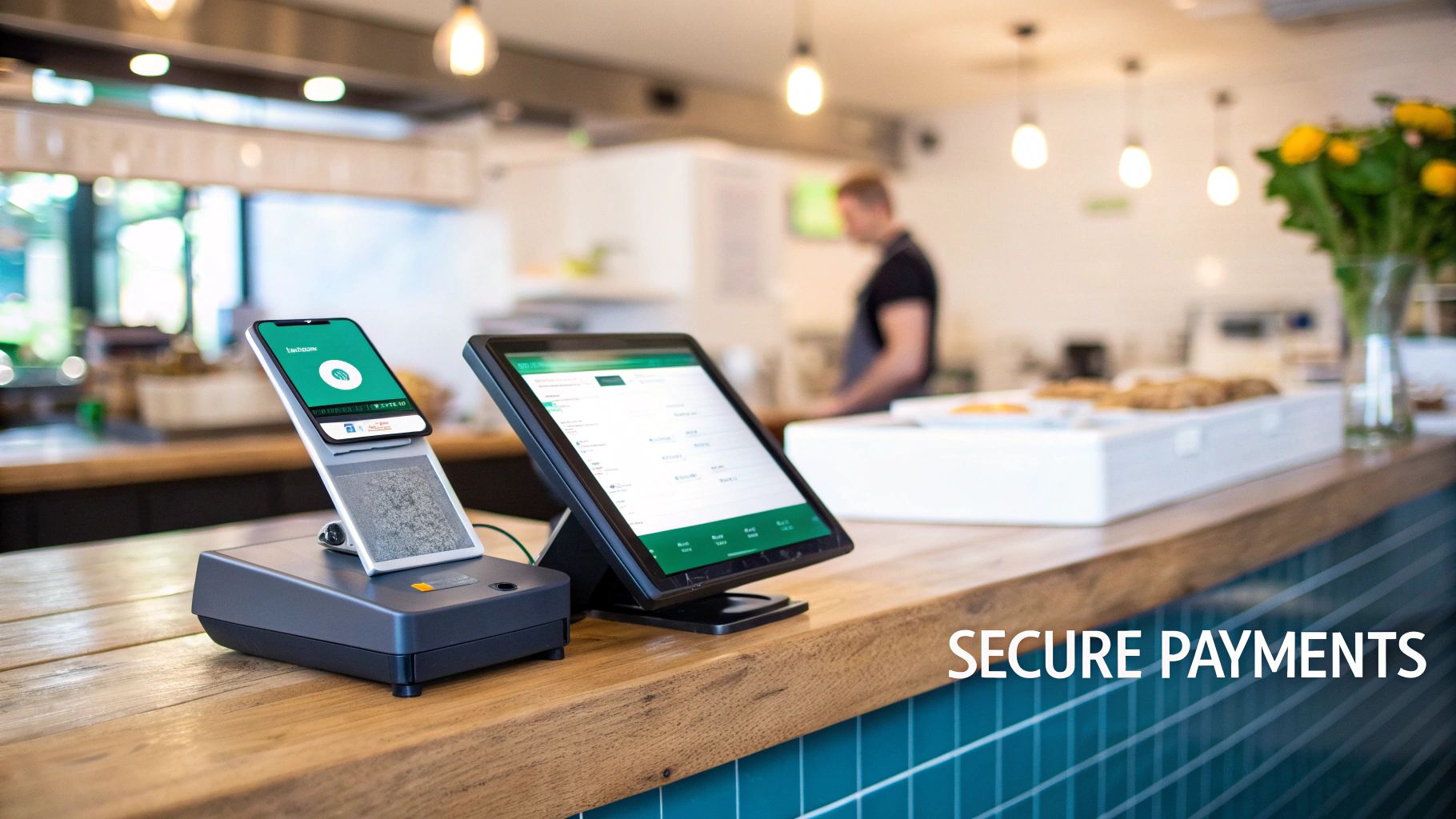
First things first, you need to get familiar with the Payment Card Industry Data Security Standard (PCI DSS). Think of it as the official rulebook for keeping cardholder data safe. The guiding principle is simple: protect your customers' information as if it were your own. While a system like TackOn Table has many of these security protocols built right in, what your team does during the call is just as critical.
The Golden Rules of Handling Phone Payments
A secure process starts with a few non-negotiable rules for your staff. These aren't just best practices; they’re essential habits that shield your business from data breaches and painful chargebacks.
Here are the three fundamental rules every employee taking a payment over the phone must live by:
- Never Write It Down: A customer's full credit card number should never, ever be written on a piece of paper, a sticky note, or the back of a napkin. Even for a second. This creates a physical security risk that’s completely avoidable with a modern Restaurant POS.
- Use the Virtual Terminal Directly: All card details must be keyed straight into your secure, PCI-compliant virtual terminal. The instant that information goes into TackOn Table’s system, it’s encrypted and protected. There’s no reason for it to exist anywhere else.
- Shred Immediately: If for some unavoidable reason a partial note is taken (like a callback number—never the full card details), it must be shredded the moment it's no longer needed. Placing a "shred box" right next to the phone is a great way to make this an automatic, thoughtless habit.
Drilling these three habits into your team is the foundation of a secure phone payment system. It minimizes your liability and, just as importantly, shows your customers you take their security seriously.
Spotting Fraud Red Flags Before They Hurt You
Fraudsters often see restaurants taking CNP orders as an easy target. Training your team to spot suspicious behavior is your first and most effective line of defense. They are the gatekeepers who can shut down a fraudulent transaction before it ever costs you money.
Teach your staff to listen for these common red flags:
- Hesitation or Confusion: A legitimate customer knows their own information. If a caller is stumbling over the card number, fumbling for the expiration date, or seems unsure of their own billing address, that’s a major warning sign.
- Mismatched Information: The caller gives the name "John Smith," but the card is for a "Jane Doe." Or they insist on shipping a large order to an address that’s in a completely different state from the billing ZIP code without a good explanation.
- Unusually Large or Rushed Orders: Be skeptical of massive orders for your most expensive items, especially from a first-time customer who seems totally indifferent to the cost and is just trying to rush the transaction through.
When a caller seems more focused on getting the payment processed quickly than on the actual details of their order, it’s time to slow down and be extra cautious. Trust your team’s gut—if a call feels off, it probably is.
Using Built-In Security Tools Like AVS and CVV
Your POS system comes with powerful, automated tools designed to verify transactions. Two of the most important are the Address Verification Service (AVS) and the Card Verification Value (CVV). Make sure your team uses them every single time.
- CVV Check: This is that little three- or four-digit code on the back of the card. Always ask for it. A criminal might have a stolen card number, but they often don't have the physical card itself, making the CVV a simple but effective barrier.
- Address Verification Service (AVS): This tool instantly checks if the billing address and ZIP code the customer provides match what the card-issuing bank has on file. TackOn Table’s virtual terminal runs this check automatically, giving you an immediate signal if the information lines up.
These automated checks are your digital security guards. Sure, a real customer might occasionally mistype their ZIP code. But an AVS mismatch combined with one of the other red flags should prompt your staff to politely ask for an alternative payment method. This is where modern café management software really proves its worth, acting as a crucial partner in protecting your revenue.
As digital payments become the norm, these security layers are more important than ever. Customers expect fast, secure, and seamless transactions. The data backs this up: 21% of global internet users tapped Google Pay last month, and Apple Pay’s massive user base means phone-based processing is essential for growth. As you can see in this deep dive into credit card trends, accepting mobile wallets through your POS is key to delivering the speed and security customers now demand.
Ultimately, your best defense is a combination of smart technology and a well-trained team. TackOn Table provides the secure platform, but empowering your people with the right knowledge is what truly locks the door against fraud.
Ready to see how our built-in security features can simplify and protect your operations?
Start Your Free Trial or Book a Live Demo to see TackOn Table in action.
Training Your Team with a Phone Payment Protocol
The most advanced security features in your restaurant POS are only as effective as the people using them. Think of your staff as the crucial link between your customer and a secure, professional payment experience. That’s why creating a clear, repeatable protocol for handling phone payments is so important—it protects your business, builds customer trust, and keeps every transaction smooth and error-free.
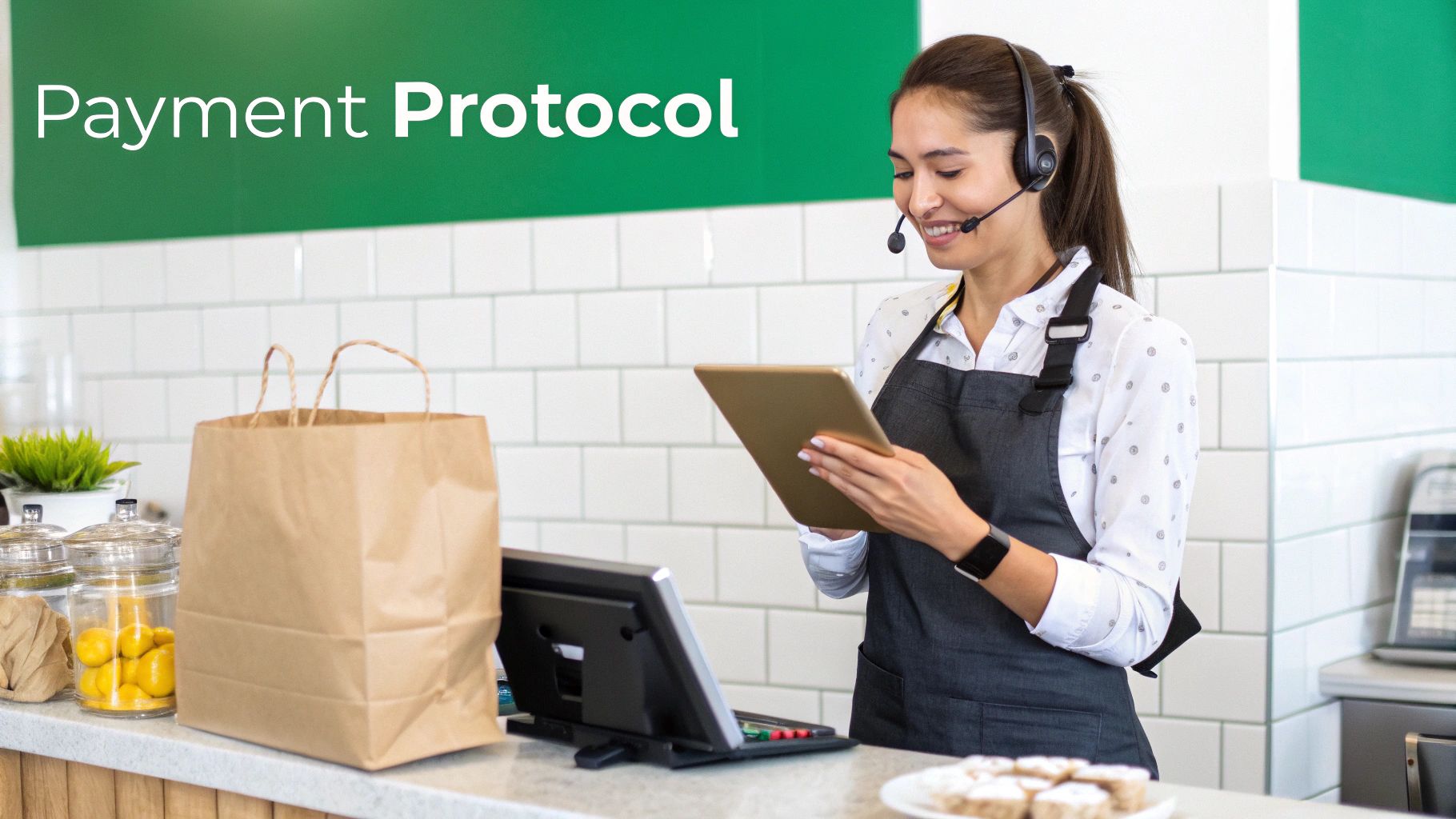
This isn’t about creating some complicated, multi-page manual nobody will read. It's about instilling a few core habits and providing simple scripts that guide your team through the process, especially when the dinner rush hits.
The Ideal Call Flow and Scripting
A good phone payment script doesn't sound robotic; it sounds reassuring. It should guide the conversation logically from taking the order to the final confirmation, making the customer feel secure every step of the way.
Start by taking the complete order and confirming the final total, including any taxes or delivery fees. Before you even ask for their card, build a little confidence.
- Example Script: "Okay, your total comes to $45.82. I can take your payment now. Just so you know, I'll be entering your details directly into our encrypted payment system for your security—nothing gets written down."
That one sentence does two critical things: it sets expectations and immediately lets the customer know their data is being handled professionally. An intuitive interface, like the one in TackOn Table’s mobile POS, makes this even easier by guiding your team through the required fields right on the screen.
Information Collection: The Must-Have Checklist
When you're taking payments over the phone, human error is your biggest risk. A simple checklist ensures nothing gets missed and cuts down on the chance of a costly typo.
To help your team get it right every time, here's a quick-reference checklist. It covers the essential pieces of information they should collect for every single transaction, keying them directly into the virtual terminal as they go.
Phone Payment Information Checklist for Staff
| Information to Collect | Purpose and Security Note |
|---|---|
| Cardholder's Full Name | This is to verify the identity of the person paying. It has to match the name on the card. |
| Full Card Number | The primary account identifier. It's a great habit to repeat it back to the customer for accuracy. |
| Expiration Date (MM/YY) | Confirms the card is still valid and active. It's an essential piece of the puzzle for processing the charge. |
| CVV Security Code | That 3 or 4-digit code is a key anti-fraud measure. It helps prove the customer actually has the card in their hand. |
| Billing ZIP Code | We use this for the Address Verification Service (AVS) check, which adds another layer of identity confirmation. |
Posting this checklist near your phone station is a simple way to keep these critical details top of mind. This kind of consistent process is the hallmark of a well-run restaurant and a key part of effective café management software.
Critical Dos and Don'ts for Your Staff
Beyond the script, your team needs to understand the absolute dos and don'ts of handling sensitive card data. These rules are non-negotiable for PCI compliance and keeping fraud at bay.
The Golden Rules (The DOs):
- DO speak slowly and clearly. Miscommunication is where mistakes happen.
- DO repeat the card number and order total back for verbal confirmation from the customer.
- DO use the customer’s name. It builds a personal and trustworthy connection.
- DO thank the customer and confirm their order is now being processed.
The Red Lines (The DON'Ts):
- DON'T ever write down the full card number, expiration date, or CVV. Not on a sticky note, not anywhere.
- DON'T ever ask a customer to send details via a standard text or email. Those channels just aren't secure.
- DON'T leave the virtual terminal screen open and walk away from it.
- DON'T process the payment on a personal phone or over an unsecured Wi-Fi network.
By establishing and consistently enforcing this protocol, you empower your team to be your first line of defense. They can confidently handle transactions, improve order accuracy, and contribute directly to a secure and professional customer experience.
Investing a little time in this training pays off big time. It reduces the likelihood of chargebacks, protects your reputation, and makes your restaurant a more reliable choice for customers. When you’re looking at Toast vs Clover alternatives, think about how the simplicity of your POS can make this entire training process so much easier for everyone.
Ready to equip your team with a POS that makes secure payments simple?
Start Your Free Trial or Book a Demo to see how TackOn Table's intuitive platform can work for you.
Why Your Restaurant POS Must Integrate Phone Payments
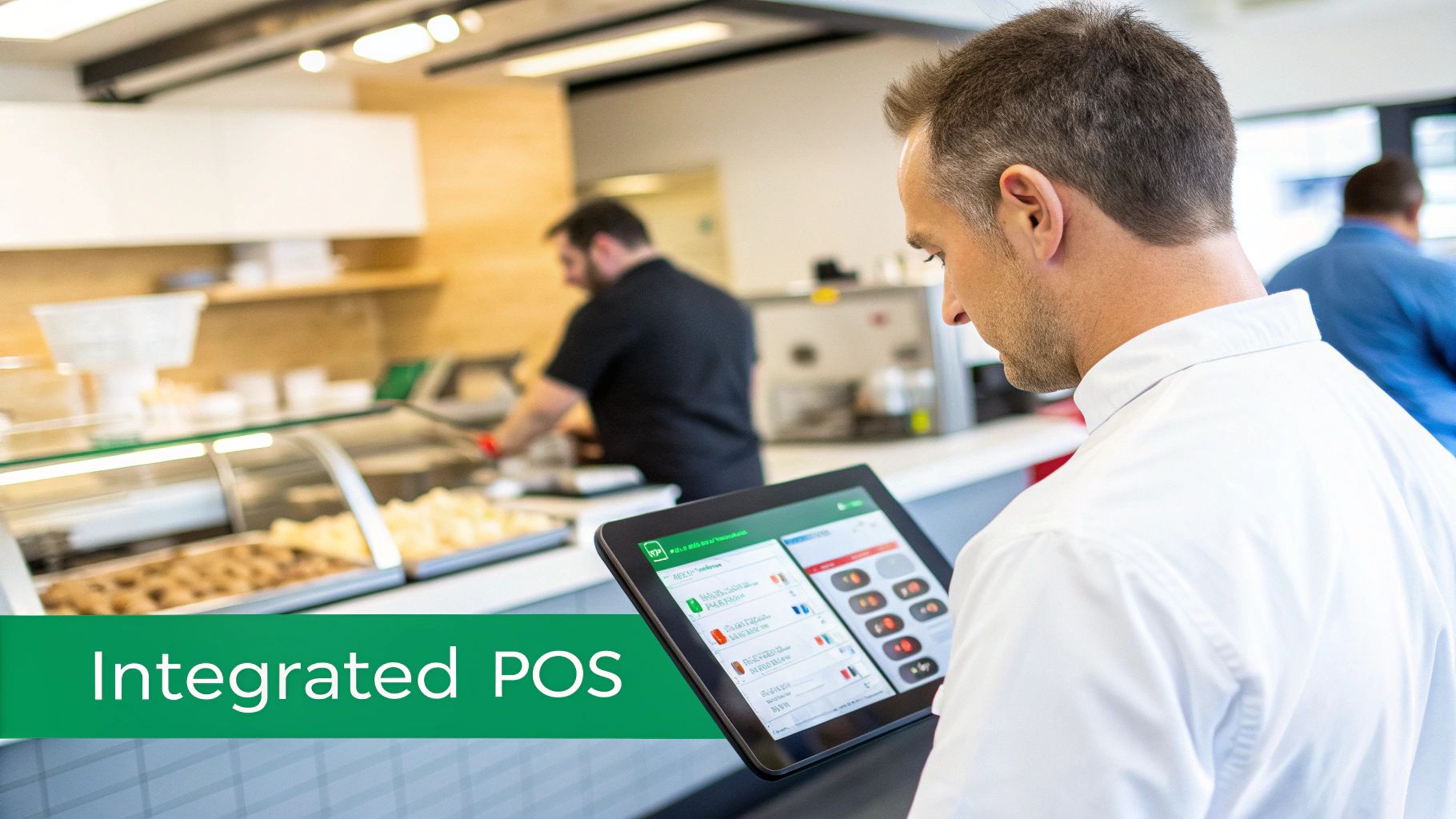
If you’re still taking phone orders and then swiveling in your chair to punch the payment into a separate, clunky credit card terminal, you’re creating chaos for yourself. That disconnected workflow is a nightmare. It means wrestling with manual reconciliation at the end of the night, inventory counts that are never quite right, and a kitchen that’s out of the loop.
Frankly, it's a recipe for mistakes and wasted time. This is where having an all-in-one restaurant management system makes a world of difference. When you process phone payments through an integrated system, every step flows together seamlessly.
Unifying Everything From the Call to the Kitchen
Let’s walk through a real-world scenario. A customer calls to place a large catering order for the weekend. Your staff keys the payment details directly into TackOn Table’s virtual terminal. What happens next is the important part.
Instantly, that order is fired to your kitchen display system (KDS). Your inventory for key ingredients is adjusted in real-time. The sale is logged in your daily reports.
There is zero double entry. Nobody has to remember to input the sale into the POS after running the card on another machine. This single change eliminates a massive source of human error and frees up your staff to focus on what matters—serving customers, not fighting with technology.
An integrated system doesn't just process a payment; it activates your entire operational workflow. It ensures that from the moment the order is taken, every part of your business—from the front of house to the back—is perfectly in sync.
The industry data backs this up. With global payments revenue expected to hit $3.0 trillion by 2029, a smooth credit card process is non-negotiable. Credit cards already drove 25% of all point-of-sale transactions in 2024, a trend that's only growing with the rise of phone orders. This is exactly the environment platforms like TackOn Table were built for. For a deeper dive, check out McKinsey's comprehensive global payments report.
Multi-Location Control and a Clear View of Your Business
For anyone running more than one location—maybe a few cafés or a fleet of food trucks—the benefits of integration are even more dramatic. When your systems aren't connected, your business data is trapped in silos. It’s impossible to get a clear, up-to-the-minute picture of how your entire operation is performing.
With TackOn Table’s multi-location control, you can see every single transaction from a single dashboard. It doesn’t matter if it was an in-person swipe, an online order, or a payment taken over the phone.
This means you can:
- Track Sales in Real-Time: Stop waiting for end-of-day reports to trickle in. Know exactly how each location is doing, right now.
- Manage Inventory Centrally: See what's selling best where, and shift stock around before you run out of a key ingredient.
- Standardize Reporting: Pull consistent, accurate financial reports for your entire business with just a few clicks.
You simply can't get this level of control when you’re trying to tape different systems together. An integrated solution gives you the clarity you need to make smart, data-driven decisions that actually grow your business.
It's All About Simplicity and Smart Savings
I talk to a lot of restaurant owners who are hesitant to upgrade. They’re worried about complicated setups and surprise costs. They stick with a patchwork of tools because it’s familiar, even if it’s slowing them down. This is a huge pain point for businesses exploring TackOn Table vs. Clover & Square because finding something powerful, simple, and affordable feels like a tall order.
TackOn Table was built to solve exactly that problem. Our easy setup gets you up and running in minutes, not days. We designed the interface to be intuitive, so your staff won't need hours of training to get the hang of it.
By rolling every tool you need—POS, virtual terminal, inventory, and multi-location management—into one affordable platform, we get rid of the need to juggle multiple subscriptions. This all-in-one simplicity is the only way to efficiently run a modern restaurant. It turns your phone from an operational bottleneck into one of your biggest assets.
Ready to see how an integrated system can unify your operations?
Book a Demo to discover the TackOn Table difference or Start Your Free Trial today.
{schema-ready} FAQ: Common Questions About Taking Phone Payments
Even with the right tools in hand, it's natural to have a few questions about accepting credit card payments over the phone. Getting straight answers helps you feel confident that you’re making the right call for both your business and your customers.
Let's dive into some of the most common questions we hear from restaurant, café, and food truck owners.
Are Phone Payments More Expensive to Process?
The short answer is yes, but only slightly. In the payment world, these are called card-not-present (CNP) transactions, and they carry a little more risk of fraud since the physical card isn't there to be swiped or dipped. Because of that, processing fees can be a fraction higher.
But here's the reality: the difference is usually tiny. A modern restaurant POS like TackOn Table gives you competitive, clear rates that keep this cost down. More importantly, the extra revenue you bring in from those phone orders will almost always dwarf that small fee, making it a no-brainer for boosting your bottom line.
What Is the Most Secure Method for Phone Payments?
Hands down, the most secure way to take a phone payment is by sending a payment link. This approach is fantastic because your staff never has to touch, see, or hear the customer's credit card information. You just generate a unique, secure link from your TackOn Table POS and text it straight to the customer's phone.
They tap the link and enter their details on their own device. It's clean, simple, and safe. If you absolutely must key in the card details manually, using a PCI-compliant virtual terminal is the next best thing, as it encrypts the data the second you type it in. Whatever you do, never, ever write down card information on a piece of paper. We dig into more topics like this in our extensive list of frequently asked questions.
Key Takeaway: Make payment links your go-to for top-tier security. For speed, an encrypted virtual terminal is your best bet. When built into a system like TackOn Table, both methods are worlds more secure than a standalone, disconnected credit card machine.
How Do I Handle Refunds and Chargebacks?
When your POS is fully integrated, refunds are a piece of cake. No more digging through old receipts or batch reports. Just look up the original order in your TackOn Table dashboard—by name, order number, or date—and process the refund with a click. The money goes right back to their card.
Chargebacks are where having a detailed digital trail really pays off. Every phone order is logged in your system with a timestamp, the exact items ordered, and customer details. This gives you all the evidence you need to effectively dispute a bogus claim and protect your hard-earned revenue. This kind of unified record-keeping is a huge advantage when you're comparing Toast vs Clover alternatives.
Can I Just Use My Personal Phone and a Card Reader?
You could, but you absolutely shouldn't. Using your personal phone with a basic card reader might seem like a cheap fix, but it's not a professional, secure, or scalable solution for a real restaurant.
A dedicated, integrated system like TackOn Table’s mobile POS is built for this. It keeps all your business transactions in one tidy place for accounting, sends orders straight to the kitchen, and makes your business look professional. Most importantly, it creates a secure wall between your business and personal data.
Ready to simplify your phone payments with a system that’s secure, affordable, and easy to use? TackOn Table offers an all-in-one solution designed for restaurants like yours.
Book a Demo to see it in action or get started today with a Free Trial.