


Managing a restaurant in today's competitive landscape is more complex than ever. From juggling staff schedules and tracking inventory to ensuring a stellar guest experience, the demands are relentless. The difference between a thriving establishment and one that struggles often comes down to efficiency, insight, and the right technology. This guide provides actionable tips for restaurant managers, moving beyond generic advice to offer concrete strategies you can implement immediately.
We'll explore how modern tools and smarter workflows can transform your operations, reduce stress, and drive profitability. This isn't just a list of ideas; it's a blueprint for operational excellence. You will learn how to unify your entire business, from front-of-house payments to back-of-house inventory, using a single, intuitive system. We will cover specific tactics for optimizing your menu based on real-time sales data, streamlining staff management, and enhancing the guest experience with mobile technology.
For managers seeking a powerful yet simple solution, a system like TackOn Table's all-in-one restaurant POS can be the central hub for implementing these strategies. As an affordable and adaptable alternative to complex systems like Toast or Clover, TackOn Table offers the simplicity and all-in-one control needed to succeed. Whether you run a bustling café, a multi-location enterprise, or a nimble food truck, these insights will equip you to lead with greater clarity and confidence, turning everyday challenges into opportunities for growth.
1. Implement a Cloud-Based Restaurant POS System for Unified Operations
One of the most impactful tips for restaurant managers is to transition from a legacy, on-premise system to a modern, cloud-based point of sale (POS) platform. A cloud-based POS acts as the central nervous system for your entire operation. It integrates every critical function—from order taking and payment processing to inventory management and multi-location control—into a single, cohesive dashboard. This unified approach eliminates the dangerous data silos and manual entry errors that plague disconnected systems.
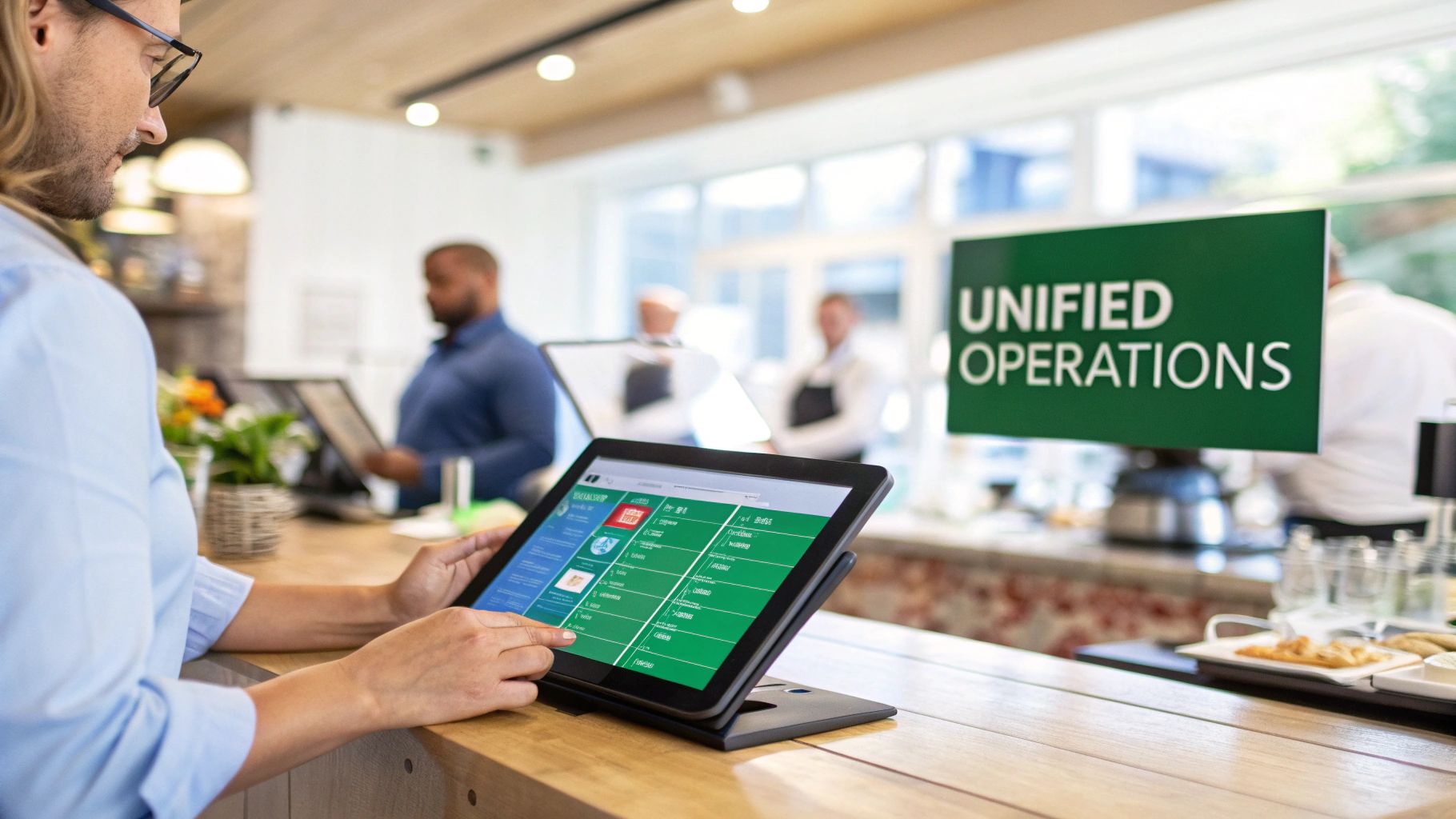
This centralization provides real-time visibility across all your sales channels, whether it's a customer ordering at a table, through your website for takeout, or via a third-party delivery app. Platforms like TackOn Table empower managers to access this vital data from anywhere, on any device. You can update menu items instantly across all locations, track sales trends as they happen, and make informed, data-driven decisions on the fly instead of waiting for end-of-day reports. This adaptability is crucial in today's fast-paced environment.
How to Implement a Cloud-Based Restaurant POS
To ensure a smooth transition and maximize your investment, follow these practical steps:
- Prioritize Support and Security: Choose a provider like TackOn Table that offers easy setup and 24/7 technical support. Verify that the system is fully compliant with security standards like PCI DSS and SOC 2 to protect your business and customer data.
- Test Before Full Rollout: Before deploying the system restaurant-wide, conduct a pilot test with a small, trusted group of staff. This helps identify and resolve potential workflow issues early on.
- Leverage Training Resources: A key to quick adoption is thorough training. Utilize all built-in tutorials, knowledge bases, and live training sessions offered by your POS provider to get your team comfortable and proficient.
By selecting the right platform, you gain a powerful tool for efficiency and growth. To see how different systems stack up, explore this detailed TackOn Table vs. Clover vs. Square POS comparison to find the best fit for your restaurant's unique needs.
2. Leverage Real-Time Data Analytics for Menu and Labor Optimization
One of the most powerful tips for restaurant managers is to move beyond guesswork and start making decisions based on hard data. Modern café management software and restaurant POS systems provide robust, real-time analytics that turn your daily sales and operations into actionable intelligence. By using built-in reporting tools, you can track sales trends, identify your most and least popular menu items, monitor labor costs as they accrue, and gain a deep understanding of customer behavior. This data-driven approach is essential for optimizing profitability and operational efficiency.

Real-time visibility allows you to make strategic adjustments on the fly, not just at the end of the week. For example, noticing a spike in a specific dish during lunch can prompt you to adjust prep levels for the dinner rush, reducing waste. Similarly, data-driven chains use sales analytics to optimize staffing schedules and ensure they have the right number of employees on hand during peak hours. This proactive management style, powered by platforms like TackOn Table's restaurant analytics, helps fine-tune menu engineering, pricing, and promotional strategies for maximum impact.
How to Implement Data Analytics in Your Café or Restaurant
To effectively integrate data into your daily management routine, focus on these practical steps:
- Review Key Reports Weekly: Schedule a dedicated time each week to analyze your sales, labor, and inventory reports. Look for emerging trends, such as items that are gaining popularity or days when labor costs are unusually high compared to sales.
- Cross-Reference Sales and Labor Data: Identify your true profit drivers by comparing item sales data with labor cost percentages. A popular item that is labor-intensive to prepare may not be as profitable as a simpler, high-margin dish.
- Share Insights with Your Team: Empower your staff by sharing relevant metrics. When your team understands which items are top-sellers or which time slots are most profitable, they can contribute ideas and feel a greater sense of ownership.
- Use Data for Menu A/B Testing: Before committing to a major menu overhaul, use your analytics to test changes. Introduce a new special, run a limited-time promotion, and measure its performance against your baseline data to validate its potential success.
3. Streamline Staff Management with Permission Controls and Digital Scheduling
Another essential tip for restaurant managers is to leverage modern digital tools for staff management, specifically focusing on permission controls and centralized scheduling. This approach replaces outdated paper schedules and ambiguous staff responsibilities with a streamlined, accountable system. By using a platform with granular access controls, you can define precisely which functions each employee can perform, from voiding transactions and applying discounts to accessing sensitive sales reports. This drastically reduces the risk of unauthorized actions and internal theft.
This level of control creates a clear audit trail for every action taken within your POS, ensuring full accountability. For multi-location groups, systems like TackOn Table provide a centralized hub to manage roles and permissions across all venues, ensuring consistency and security. Digital scheduling complements this by eliminating the endless back-and-forth of text messages and paper requests. Managers can build, publish, and adjust schedules from anywhere, while staff can view their shifts and request time off directly through an app, saving hours of administrative work.
How to Implement Digital Staff Management Software
To effectively integrate these tools and empower your team, follow these practical steps:
- Define and Document Roles: Before assigning permissions, clearly define the responsibilities for each role (e.g., cashier, server, shift lead, manager). Document which specific POS functions are necessary for each role to perform their job effectively.
- Communicate Policies Clearly: During onboarding and team meetings, explain the permission policies. Frame these controls not as a lack of trust but as a tool to protect both the business and the employees by ensuring procedural clarity.
- Use Data for Training, Not Punishment: Regularly review access logs and audit trails to identify patterns. If you notice frequent errors or unauthorized attempts from a specific employee, use it as an opportunity to provide targeted retraining rather than defaulting to punitive measures.
- Involve Team Leaders in Scheduling: Empower shift leaders by giving them input on schedule creation. This improves buy-in from the team and helps create schedules that better reflect on-the-ground staffing needs, leading to higher morale and better coverage.
4. Optimize Menu Management with Dynamic Updates and Digital Control
Another one of the most practical tips for restaurant managers is to ditch static, printed menus in favor of a dynamic digital menu management system. This approach centralizes control, allowing you to update menu items, prices, and availability in real-time across all your channels. Whether it's your in-store digital display, your online ordering website, or third-party delivery apps, a single change populates everywhere instantly. This eliminates the costly and time-consuming process of reprinting menus and prevents customer frustration from ordering an item that's out of stock.
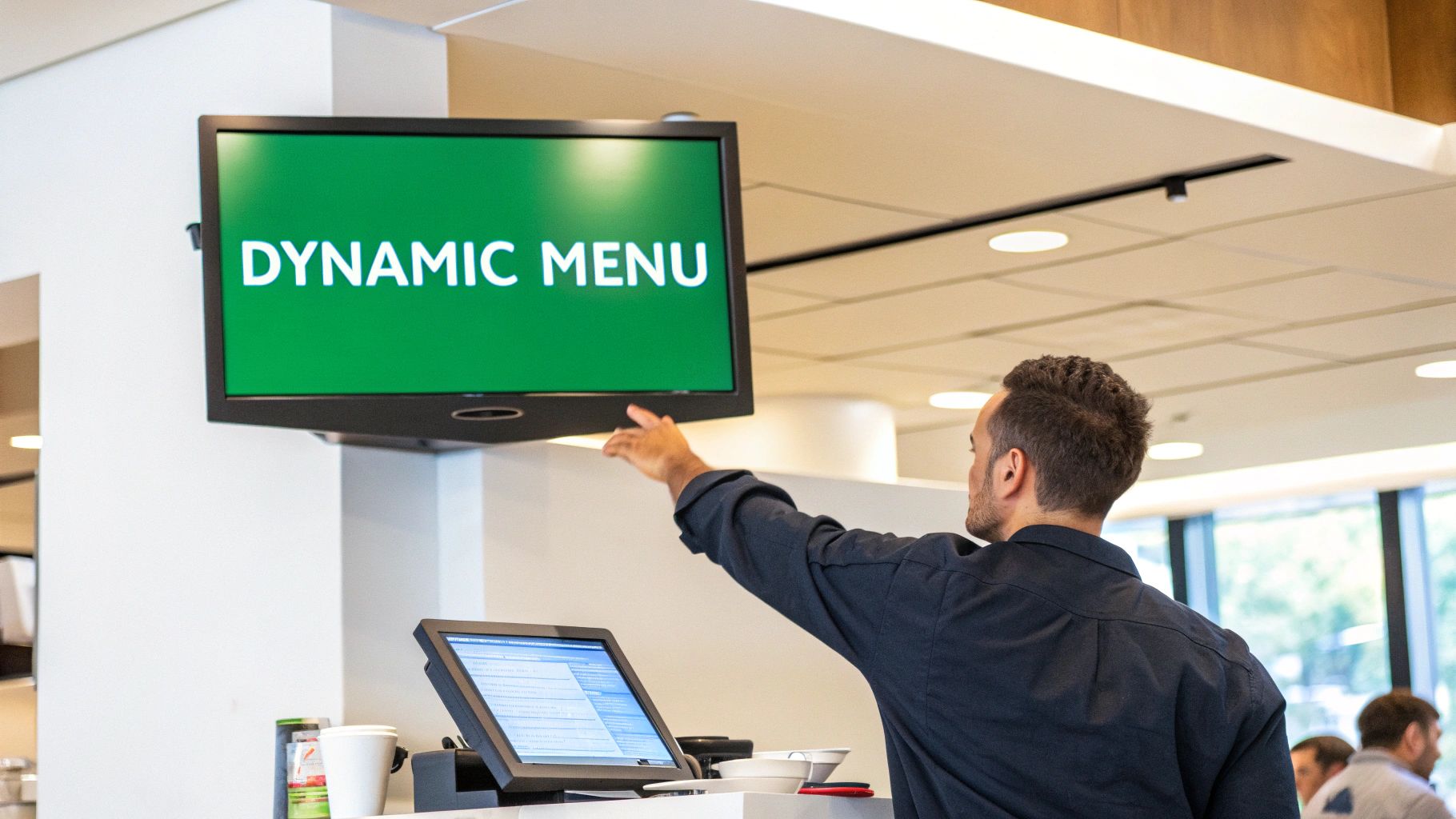
This level of control is essential for modern agility. You can immediately 86 an item if you run out of an ingredient, add a last-minute daily special, or adjust pricing to reflect fluctuating food costs. With a platform like TackOn Table, you can manage menus for multiple locations from a single dashboard, tailoring offerings to regional preferences or running location-specific promotions. This proactive management tool transforms your menu from a fixed document into a powerful sales and operational asset.
How to Implement Dynamic Menu Management
To effectively integrate dynamic menus and maximize their impact, follow these strategic steps:
- Establish a Daily Review Routine: Start each day by reviewing inventory levels and sales data. Use this information to update item availability or feature high-margin dishes you want to promote.
- Create Templates for Promotions: Prepare menu templates for recurring events like happy hours, seasonal specials, or holiday promotions. This allows you to activate them with a single click instead of rebuilding them from scratch.
- Communicate Changes to Staff: Before a menu update goes live, ensure your front-of-house and back-of-house teams are informed. This keeps everyone aligned and able to answer customer questions confidently.
By adopting a dynamic system, you gain the flexibility needed to boost efficiency and profitability. To learn more about managing menus seamlessly, discover how the TackOn Table restaurant POS with inventory management can streamline your operations.
5. Enhance Customer Experience with Mobile POS Technology
Another one of the most effective tips for restaurant managers is to empower your staff with mobile and tableside POS technology. By equipping servers with lightweight, handheld devices, you enable them to take orders, send them to the kitchen, and process payments directly at the table, counter, or curbside. This modern approach eliminates the need for servers to run back and forth to a stationary terminal, which significantly reduces wait times and boosts table turnover rates.
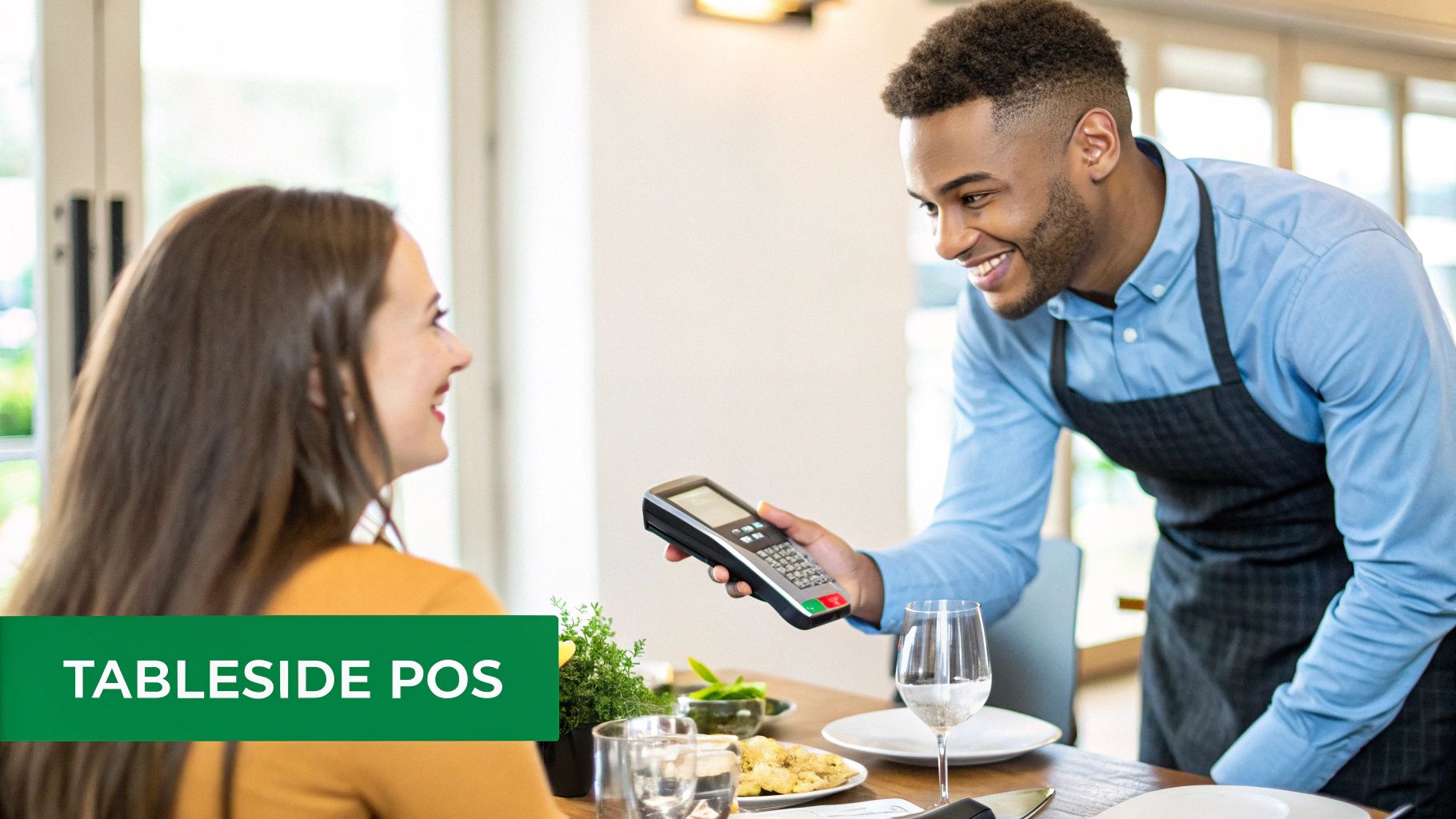
This technology directly improves service accuracy, as orders are entered in real-time with the customer present, reducing the chance of miscommunication. Modern systems like TackOn Table's mobile POS provide staff with full access to menu details, inventory levels, and payment processing on a single, easy-to-use device. This means faster service, fewer mistakes, and a smoother, more professional guest experience. Fine dining establishments and busy fast-casual spots alike use this technology to enhance efficiency and elevate service.
How to Implement Mobile POS Technology
To ensure a seamless rollout and get the most out of your mobile POS investment, follow these practical steps:
- Pilot with Experienced Staff: Start by introducing the devices to your most experienced team members. They can help work out any initial workflow kinks and champion the new technology to the rest of the staff.
- Train on Security Protocols: Thoroughly train all staff on secure payment processing, including how to handle sensitive customer data and prevent fraud. Emphasize best practices for device handling and password management.
- Establish a Charging Routine: Create a clear process for charging devices at the end of each shift. Ensure backup devices are always ready to go to prevent any service interruptions during peak hours.
By bringing technology directly to the customer, you create a more efficient and engaging dining experience. To explore how different mobile POS systems can transform your service model, you can learn more about TackOn Table's restaurant solutions and see how they fit your unique operational needs.
6. Establish Effective Inventory Management and Cost Control
One of the most critical tips for restaurant managers is mastering inventory and cost control, as food costs represent one of your largest operational expenses. Establishing a systematic approach to tracking inventory helps prevent waste, avoid stockouts, and protect your profit margins. A modern POS system with integrated inventory management capabilities, like TackOn Table, provides real-time visibility into stock levels, tracks ingredient usage per menu item, and can even generate automatic reorder alerts. This data-driven control is essential for profitability.
This centralized system gives you a live look at your ingredient consumption across all sales channels, from dine-in to online orders. You can immediately identify which dishes are most profitable and which ingredients are prone to spoilage. TackOn Table's platform allows you to manage this from anywhere, empowering you to make smart purchasing decisions, reduce over-preparation in the kitchen, and ensure consistency. Beyond managing ingredients, effectively implementing proper commercial kitchen oil disposal methods is key to preventing costly plumbing issues and ensuring environmental compliance.
How to Implement Effective Inventory Control with Your POS
To transform inventory from a liability into a strategic asset, follow these practical steps:
- Conduct Regular Physical Counts: Even with an automated system, perform weekly physical inventory counts. This helps verify your system's accuracy, identify discrepancies caused by theft or unrecorded waste, and maintain tight control.
- Implement Portioning and FIFO: Enforce strict portion controls for every recipe to minimize ingredient waste. Train your kitchen staff on the "First-In, First-Out" (FIFO) method to ensure older stock is used first, reducing spoilage.
- Analyze Usage and Variance Reports: Use the data from your POS to track the variance between expected inventory usage and actual counts. These insights will highlight areas of waste or inefficiency and can be used to negotiate better pricing with suppliers.
By mastering inventory, you gain direct control over your restaurant's financial health. You can see the potential impact of better management by using this free restaurant savings calculator to estimate your potential savings.
7. Build a Strong Training and Onboarding Program
One of the most valuable tips for restaurant managers is to invest in a comprehensive training and onboarding program. A structured system ensures every team member, from hosts to line cooks, understands their role, service standards, and your restaurant's culture from day one. This investment goes far beyond initial orientation; it builds confidence, reduces costly errors, and is a cornerstone of high employee retention. A well-trained team delivers a consistent, high-quality guest experience that keeps customers coming back.
Effective training programs cover everything from mastering the POS system and memorizing the menu to handling difficult customer situations with grace. When staff feel prepared and supported, their performance improves, and they become more engaged with their work. Key to building a strong team is implementing top strategies for effective employee onboarding, setting new hires up for success. This foundational process is what separates chaotic environments from high-functioning, profitable restaurants.
How to Implement a Strong Restaurant Training Program
To create an effective and repeatable training system, follow these actionable steps:
- Create Standard Operating Procedures (SOPs): Develop clear, written training manuals and SOPs for every role. This provides a consistent reference point for all staff and ensures key procedures are always followed.
- Implement a Mentorship System: Pair new hires with experienced, high-performing employees. This peer-to-peer learning fosters camaraderie and provides a safe space for new staff to ask questions.
- Schedule Regular Refresher Training: Conduct quarterly or bi-annual training sessions to reinforce best practices, introduce new menu items, or roll out system updates. This keeps your team’s skills sharp and aligned.
- Use Role-Playing Scenarios: Test knowledge and problem-solving skills with practical, hands-on role-playing during slower periods. This is an excellent way to prepare staff for real-world guest interactions.
8. Monitor and Improve Key Performance Indicators (KPIs) Regularly
One of the most essential tips for restaurant managers is to move beyond gut feelings and embrace data-driven decision-making. Establishing and regularly monitoring Key Performance Indicators (KPIs) transforms how you manage your business. KPIs are specific, measurable metrics that track critical aspects of your restaurant's health, such as food cost percentage, labor cost percentage, average check size, and table turnover rate. This practice provides a clear, objective view of your performance.
By tracking these metrics, you can identify positive trends to lean into and negative patterns to correct before they become major problems. A modern POS system with built-in analytics, like TackOn Table, automates this process by putting real-time data at your fingertips. Instead of manually calculating figures at the end of the month, you can view a live dashboard showing sales trends, top-selling items, and labor insights, allowing you to make proactive adjustments that directly impact your bottom line.
How to Implement and Track Restaurant KPIs
To effectively use KPIs to steer your restaurant toward its goals, follow these practical steps:
- Establish Baselines and Set Targets: Start by measuring your current performance to establish a baseline for key metrics. Then, set realistic, time-bound improvement goals. For example, aim to reduce your food cost percentage from 33% to 30% over the next quarter.
- Conduct Weekly KPI Reviews: Schedule a consistent time each week to review KPI reports with your management team. Discuss variances, investigate the root causes behind the numbers, and brainstorm corrective actions together.
- Share Relevant Metrics with Staff: Foster a culture of accountability and engagement by sharing relevant KPIs with your team. Displaying metrics like order accuracy or customer satisfaction scores can motivate staff and align their efforts with business objectives. You can even tie bonuses or incentives to achieving specific KPI targets.
Choose the Right Toast vs. Clover Alternative for Your Business
| Initiative | Implementation complexity | Resource requirements | Expected outcomes | Ideal use cases | Key advantages |
|---|---|---|---|---|---|
| Implement a Cloud-Based POS System for Unified Operations | Moderate — cloud setup, data migration, staff training | POS subscription, internet connectivity, terminals/devices, migration/onboarding support | Centralized operations, real-time visibility, fewer errors, faster order processing | Multi-location groups, QSRs, full-service, cafes, food trucks | Unified data and analytics; faster decisions; improved security; reduced system sprawl |
| Leverage Real-Time Data Analytics for Menu and Labor Optimization | Moderate — configure dashboards, train staff to interpret data | Analytics-enabled POS, data integration, reporting tools, analyst/time for review | Optimized menus and staffing, reduced waste, higher margins, faster decision-making | High-volume restaurants, chains, operators focused on profitability | Identifies low-margin items; demand-based labor scheduling; waste reduction |
| Streamline Staff Management with Permission Controls and Digital Scheduling | Low–Moderate — configure roles and scheduling workflows | Scheduling/permissions software, devices for staff, training and policy communication | Fewer unauthorized actions, improved scheduling efficiency, clear accountability | Multi-location operations, large teams, high-turnover environments, franchises | Role-based security; audit trails; reduced labor disputes; scheduling automation |
| Optimize Menu Management with Dynamic Updates and Digital Control | Low — adopt menu tools, establish update processes | POS with menu management, channel integrations, staff process for updates | Accurate menus across channels, fewer out-of-stock sales, faster promotions | QSRs, cafes, food trucks, full-service, multi-location groups | Real-time updates; lower printing costs; rapid pricing/promotional changes |
| Enhance Customer Experience with Tableside and Mobile POS Technology | Moderate — deploy devices, train staff, manage charging/security | Handheld POS devices, charging stations, secure payment processing, staff training | Faster service, improved order accuracy, reduced table turnaround, higher satisfaction | Full-service restaurants, fine dining, QSRs with curbside/tableside service | Faster order/payment processing; mobile payments; improved customer transparency |
| Establish Effective Inventory Management and Cost Control | Moderate–High — initial data entry, recipe mapping, integrations | Inventory-enabled POS, supplier integrations, staff discipline for counts | Reduced food waste, lower food costs, fewer stockouts, better purchasing decisions | Multi-location chains, restaurants with high ingredient costs, operators focused on margins | Real-time stock visibility; automatic reorder alerts; ingredient-level costing |
| Build a Strong Training and Onboarding Program | Low–Moderate — develop materials, schedule regular sessions | Manager time, training materials or LMS, mentors, ongoing refreshers | Consistent service quality, fewer errors, faster new-hire productivity, improved retention | All restaurants, especially multi-location and high-turnover operations | Consistency across locations; higher retention; faster time-to-productivity |
| Monitor and Improve Key Performance Indicators (KPIs) Regularly | Low–Moderate — define KPIs, set dashboards and review cadence | Reporting/dashboard tools, regular management review time, baseline data | Early issue detection, data-driven goals, improved accountability and performance | Multi-location groups, performance-driven operators, managers focused on continuous improvement | Trend visibility; benchmarking; targeted corrective actions; aligned team goals |
Unify Your Operations and Empower Your Management
The journey from a good restaurant manager to a great one is paved with intentional strategy, consistent execution, and the right tools. Throughout this guide, we've explored a range of powerful tips for restaurant managers designed to transform your daily operations. We've seen how a modern, cloud-based POS system is the central nervous system of your business, how real-time data informs profitable menu and labor decisions, and how streamlined staff management builds a motivated, high-performing team.
From optimizing your inventory to prevent waste to enhancing the guest experience with mobile POS technology, each tip is a crucial piece of the puzzle. The common thread connecting these strategies is the need for a unified, transparent, and accessible system. When your data, your staff, and your operational workflows are all integrated into one simple platform, you move beyond simply reacting to daily challenges and begin proactively shaping your restaurant’s success. Mastering these concepts is not just about improving efficiency; it’s about creating a sustainable, profitable, and enjoyable environment for both your team and your guests.
Frequently Asked Questions (FAQ) for Restaurant Managers
What is the most important skill for a restaurant manager?
While many skills are crucial, the ability to effectively manage people—from hiring and training to motivating and scheduling—is paramount. A strong team is the foundation of a successful restaurant, and great people management leads to better service, higher retention, and a more positive work environment.
How can technology help improve restaurant management?
Modern technology, especially an all-in-one POS system like TackOn Table, automates and centralizes critical tasks. It provides real-time data for better decision-making, streamlines inventory and staff scheduling, and improves the customer experience with tools like mobile POS. This reduces administrative workload and allows managers to focus on growth and service quality.
What are the key KPIs restaurant managers should track?
The most important KPIs include Food Cost Percentage, Labor Cost Percentage, Prime Cost (food + labor), Average Check Size, Table Turnover Rate, and Customer Satisfaction Scores. Tracking these metrics provides a clear picture of your restaurant’s financial health and operational efficiency.
Why choose TackOn Table over systems like Toast or Clover?
TackOn Table is designed for restaurant managers who need a powerful, all-in-one solution without the complexity or high cost of systems like Toast or Clover. We focus on affordability, simplicity, and adaptability, with unique features like easy setup, intuitive multi-location control, and a streamlined mobile POS that empowers your team from day one.
Ready to unify your operations with a single, intuitive platform? TackOn Table provides the all-in-one POS, inventory, and staff management software designed for the modern restaurant, café, or food truck. We offer a powerful, affordable alternative to systems like Toast or Clover. Start your free trial or book a personalized demo today to see how our simple, adaptable software can empower your management and drive your success.