

A modern quick service restaurant POS system is so much more than a glorified cash register. It's the command center for your entire operation, built from the ground up for speed, accuracy, and efficiency. This system ties together order taking, payment processing, kitchen communication, and even inventory management into one simple, powerful platform. For any QSR, a solid POS is the secret weapon to slash wait times and keep customers happy.
Why Your QSR Needs More Than a Cash Register
In the QSR world, every single second matters. Whether you're behind the counter of a busy downtown café, a humming food truck, or a growing franchise, your technology stands between chaos and a smooth, profitable service. A classic cash register can handle money, but it does absolutely nothing to fix the real headaches of a quick-service spot: speed, getting orders right, and keeping the line moving.
This is where a dedicated QSR POS system steps in. Think of it as the central nervous system of your business. It seamlessly connects your front counter, drive-thru, online orders, and kitchen staff into one synchronized team. That level of integration isn't a "nice-to-have"—it's essential to delivering on the promise of quick service.
The Shift from Transaction Tool to Command Center
The move away from simple cash registers to these all-in-one POS platforms marks a huge change in how restaurants operate. The global market for restaurant POS terminals is on track to hit USD 25.1 billion by 2025 and is projected to nearly double by 2035. Who's leading this charge? QSRs, which make up almost 36.9% of the market. These numbers tell a clear story: these systems are no longer optional for survival and growth.
This boom is happening because owners need tools that do more than just complete a sale. A true QSR POS delivers on multiple fronts:
- Lightning-Fast Order Entry: Touchscreens with smart, customizable layouts mean even the most complicated orders get punched in correctly in seconds.
- Seamless Kitchen Communication: Orders fire instantly to Kitchen Display Systems (KDS), killing the chaos and errors that come with handwritten tickets.
- Integrated Payment Processing: You can securely take any payment that comes your way, from tap-to-pay and Apple Pay to good old-fashioned credit cards.
- Real-Time Analytics: Instantly see your sales data, identify your busiest hours, and know which menu items are flying off the shelf, letting you make smarter decisions on the spot.
Gaining a Competitive Edge with Simplicity
For years, the most powerful POS systems were also the most complicated and expensive, putting them out of reach for many independent restaurant owners. That's changing. Platforms like TackOn Table are flipping the script by offering an affordable, all-in-one solution that’s genuinely easy to set up and use right out of the box.
With features like mobile POS for line-busting during the lunch rush and simple multi-location control from a single dashboard, it gives smaller operators the same powerful tools the big chains use. When you choose the right technology, you’re not just buying a piece of hardware; you’re setting up your operations for quick service restaurants to run smoother and build a real foundation for growth.
The Anatomy of a High-Performance Restaurant POS
Let’s be honest, not all POS systems are built for the QSR grind. A system that works fine for a quiet bookstore or a sit-down bistro will absolutely crumble during a chaotic lunch rush. For a quick-service restaurant, your POS isn't just a cash register; it's the central nervous system of your entire operation.
Think of it like the engine in a race car. Every component has to be engineered for one thing: speed. The right features keep the line moving, the orders perfect, and the customers coming back. Without them, you're guaranteed to stall out when you can least afford it.
Rapid Order Entry and Intuitive Modifiers
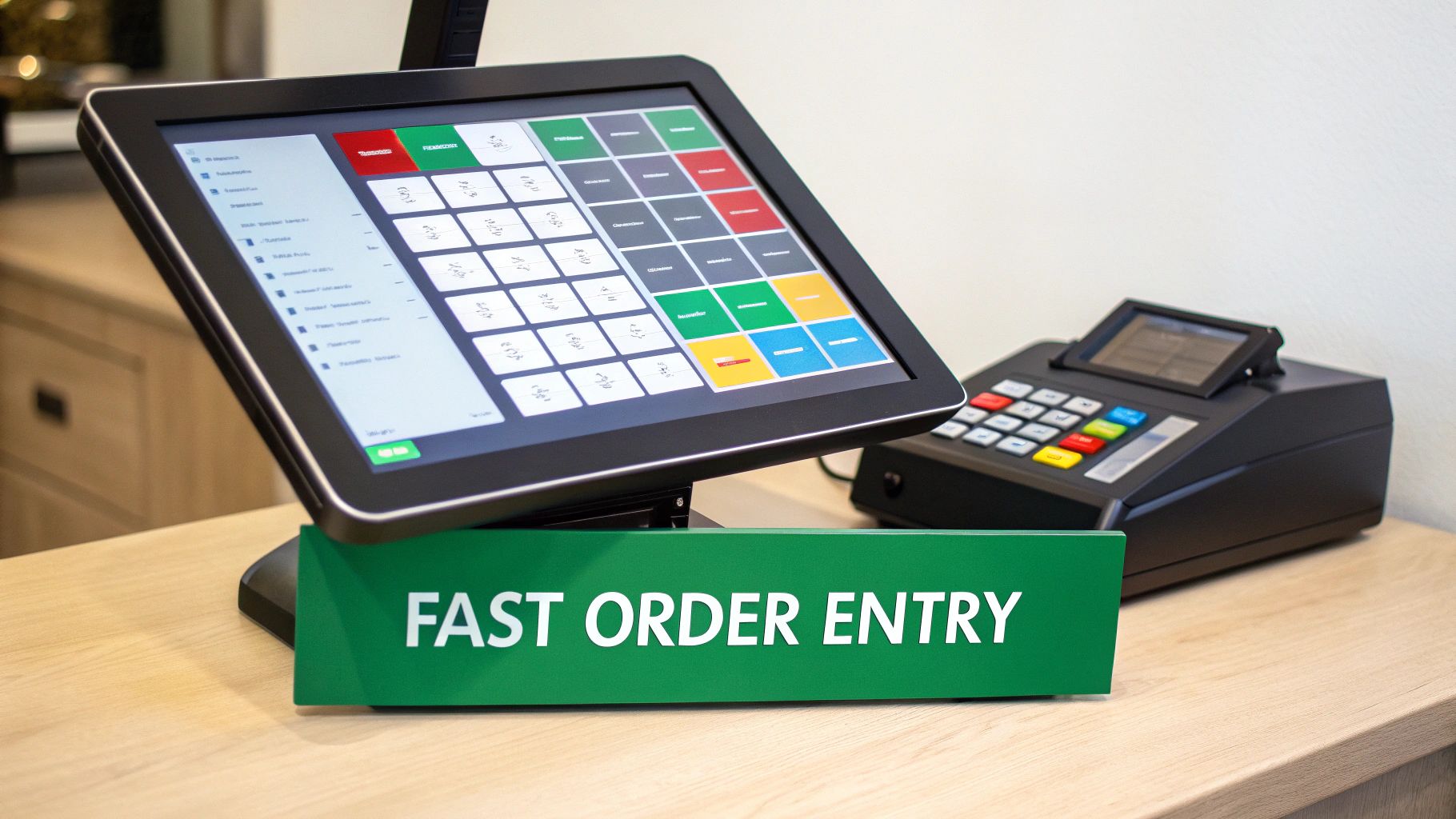
Speed begins the moment your cashier touches the screen. A QSR POS absolutely must have a lightning-fast, customizable interface that your team can navigate by muscle memory. Every second wasted on a clunky, confusing screen adds up, costing you real money and creating friction for your customers.
Your system also has to make custom orders a breeze. "No onions, extra pickles, light on the sauce"—these requests shouldn't slow you down. For a coffee shop, this means effortlessly adding extra shots, swapping in oat milk, or adding a pump of vanilla without missing a beat. TackOn Table was designed specifically for this reality, with smart, logical modifier flows that make even the most complicated orders easy to punch in correctly the first time.
This isn’t just about moving faster; it’s about getting it right. When modifiers are clear and instinctive, you slash the kind of costly errors that lead to wasted food and frustrated patrons.
Integrated Payments and Offline Reliability
In a world of tap-to-pay and digital wallets, accepting every payment type isn't a perk—it's table stakes. Your POS needs to seamlessly handle everything from old-school credit cards to mobile options like Apple Pay and Google Pay. This flexibility is what modern customers expect.
The data backs this up. By 2025, 56% of QSRs are planning to invest in contactless ordering and payment, recognizing it's a key part of a faster checkout. On top of that, about 30% of restaurants are looking to add self-service kiosks to meet the demand for more customer-driven experiences. You can explore more of the trends reshaping restaurant management on oracle.com in this guide.
But what happens when the internet inevitably goes out? That's where a rock-solid offline mode becomes your lifeline. This feature ensures you can keep swiping and tapping cards even during an outage, single-handedly saving you from a disastrous day of lost sales.
Seamless Kitchen Display System (KDS) Integration
The journey from a customer's order to their hands depends entirely on how well your front-of-house communicates with your kitchen. Shouting orders across the pass or relying on messy, handwritten tickets is a recipe for chaos and mistakes. This is where a tight integration with a Kitchen Display System (KDS) changes the game.
A KDS creates a direct, digital bridge between your cashier and your line cooks.
- It Kills Errors: Orders pop up on the kitchen screen exactly as they were entered, with every modifier perfectly clear. No more guesswork.
- It Boosts Speed: The kitchen team sees new orders the second they're placed, allowing them to fire up the grill or start pulling shots immediately.
- It Tracks Everything: Managers can watch ticket times in real-time, instantly spotting bottlenecks and finding ways to make the entire workflow more efficient.
With a unified system like TackOn Table, this integration is already built in. That all-in-one simplicity ensures your whole team is in sync, from the tap of the first button to the moment the food is ready. This is the kind of operational harmony that separates the QSRs that thrive from the ones that just get by.
To help you visualize what's truly essential, we've put together a quick checklist. This breaks down the must-have features and shows you how a purpose-built system like TackOn Table measures up.
Essential QSR POS Features Checklist
| Feature | Why It's Critical for QSRs | The TackOn Table Advantage |
|---|---|---|
| Intuitive User Interface (UI) | Reduces training time and cashier errors, speeding up the entire ordering process during peak hours. | Our UI is designed for speed with customizable layouts and logical modifier flows that make sense from day one. |
| Fast Payment Processing | Accommodates all customer preferences (tap, swipe, mobile) and minimizes time spent at the checkout counter. | Fully integrated payments handle all modern methods, with industry-leading transaction speeds. |
| Offline Mode | Prevents catastrophic sales loss during internet outages by securely processing payments and syncing later. | Robust offline functionality ensures you're always open for business, no matter what your ISP is doing. |
| Kitchen Display System (KDS) | Creates a direct, error-free line of communication to the kitchen, improving order accuracy and ticket times. | Native, seamless KDS integration keeps your FOH and BOH perfectly synchronized without third-party headaches. |
| Real-Time Reporting | Provides instant access to sales data, inventory levels, and labor costs to make smarter business decisions on the fly. | Powerful, easy-to-read dashboards give you a live look at your restaurant's performance anytime, anywhere. |
| Inventory Management | Tracks ingredient usage automatically to prevent stockouts, reduce waste, and streamline reordering. | Our system deducts ingredients in real-time as items are sold, with low-stock alerts to keep you ahead. |
Ultimately, choosing the right POS is about investing in a system that understands the unique pressures of the quick-service world. Every feature should be designed to remove friction, not add it.
Ready to see how a system built for speed can transform your operations? Book a demo of TackOn Table and discover a much simpler way to run your restaurant.
How a POS System Turns Chaos into a Smooth Operation
Picture your busiest lunch rush. Now, imagine it running with a sense of calm control instead of frantic energy. That’s not a dream; it’s what a modern quick service restaurant POS system is designed to do. Think of it as the central nervous system of your restaurant, connecting every moving part so that the whole operation flows smoothly, from the front counter to the kitchen line. It eliminates the tiny hiccups that snowball into full-blown chaos when you're slammed.
Let's walk through a single order to see this in action. A customer walks into your coffee shop and taps their order into a self-service kiosk: a large iced latte with oat milk and an extra shot. The second they hit "confirm," the POS gets to work, coordinating everything instantly.
Connecting the Front and Back of House Instantly
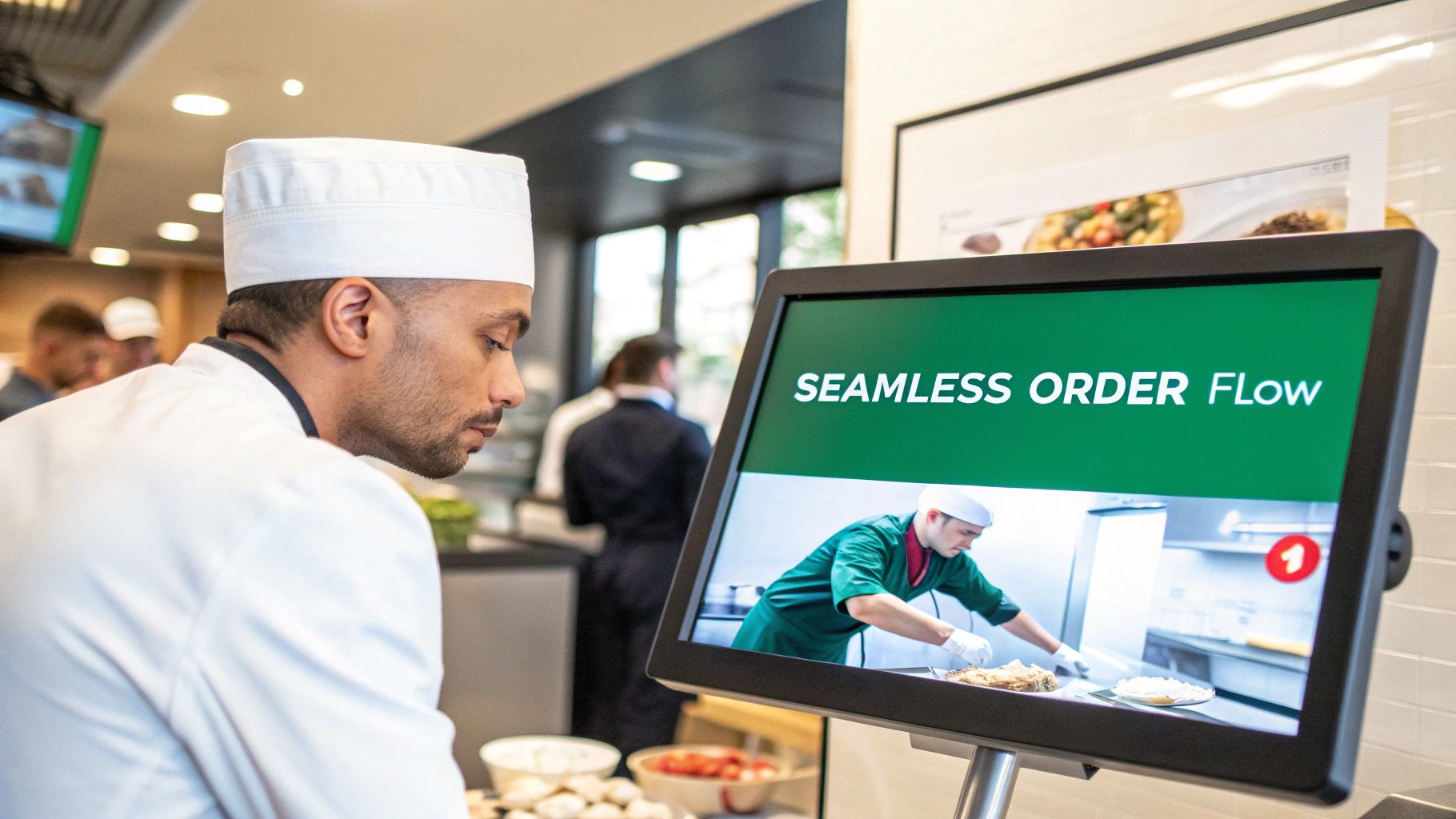
In the old days, that order would be a flimsy paper ticket—easily lost, smudged, or misread. But with an integrated system, the order pops up immediately on the Kitchen Display System (KDS). Your barista sees "Large Iced Latte, Oat Milk, Extra Shot" in crystal clear detail. No shouting, no second-guessing, and way fewer mistakes. That clean, digital handoff is the secret to a happy, efficient kitchen.
At the same time, the system is working behind the scenes. Your inventory module automatically subtracts the exact amount of espresso beans, oat milk, and ice from your stock. This isn't just about counting; it's about having a real-time pulse on your inventory. You'll know exactly what you have, preventing those awful moments when you run out of a key ingredient mid-rush.
This instant communication gets everyone on the same page. The cashier, the line cook, the manager—they’re all working from the same script, which is how you deliver the fast, consistent service customers expect.
Driving More Revenue with Smart Features
A great QSR POS does more than just take orders; it actively helps you make more money. As that coffee customer is about to pay, the display can offer a smart upsell: "Add a warm croissant for just $2 more?" It’s a simple, automated prompt that can seriously boost your average ticket size over time, without your staff having to remember to ask every single time.
These features turn a basic transaction into a sales opportunity. It's no surprise that studies show self-service kiosks can lift average ticket sizes by 8-15% compared to traditional counter service, mostly thanks to these intelligent upselling and cross-selling prompts.
An all-in-one platform syncs your front-of-house, back-of-house, and management tools, transforming potential chaos into a finely tuned operational workflow. This synergy not only minimizes mistakes but also creates the smooth experience that turns first-time visitors into loyal regulars.
The All-in-One Advantage
The real magic happens when your system is truly all-in-one, like TackOn Table. Instead of duct-taping separate software for payments, inventory, and online ordering, everything just works together. This means:
- Online and In-Store Orders Flow Together: An order from your website or a delivery app hits the KDS just like one taken at the counter. No more juggling tablets.
- Multi-Location Control is Effortless: Update menus, launch promotions, or check sales reports across all your stores from one central dashboard. It’s that simple.
- Mobile POS for Unmatched Flexibility: Let your team bust lines during a rush or serve customers at a pop-up event with a powerful mobile POS that connects to your entire system.
This unified approach gets rid of the data silos and communication gaps that kill efficiency. You replace friction with flow. And that operational excellence is what separates the most successful QSRs from the rest. You cut down on waste, speed up service, and make sure every customer leaves happy—laying the groundwork for real, sustainable growth.
Ready to see how a truly unified system can calm the chaos in your restaurant? Book a demo of TackOn Table and discover a smarter way to run your entire operation.
Using Your POS Data to Make Smarter Decisions
Your quick-service restaurant's POS system is doing a lot more than just ringing up orders and taking payments. It’s sitting on a goldmine of business intelligence. Every single transaction it records tells you something about your customers, your menu, and your staff. The real secret to growing your business isn't just working harder—it's learning to read that data to get ahead of problems instead of constantly reacting to them.
Think of your POS data like a detailed map of your restaurant's daily operations. It clearly marks the busiest highways (your peak hours), the most popular destinations (your best-selling items), and the traffic jams (any operational bottlenecks slowing things down). Without this map, you're essentially driving blind, making critical decisions based on gut feelings alone. A modern POS brings all of this crucial information out of the dark and into plain sight.
Unlocking Key Business Insights with Café Management Software
The right analytics can completely change how you run your restaurant. Instead of just glancing at the total sales number at the end of the night, you can dig in and finally understand the "why" behind those numbers. We designed TackOn Table’s dashboards for busy owners, not data scientists, laying out the vital signs of your business in a way that's clear and immediately useful.
You can spot your most important performance metrics without ever having to open a spreadsheet:
- Peak Sales Hours: See exactly when you get slammed and when things slow down. This lets you build smarter staff schedules, so you’re never short-handed during a rush or overpaying for labor during a lull.
- Top-Performing Menu Items: Find out which dishes are your real moneymakers and which ones are just dead weight. This data gives you the confidence to tweak your menu, run promotions on high-margin items, and stop ordering ingredients you don't really need.
- Staff Productivity: Easily track sales per employee. You can quickly see who your superstars are and identify team members who might just need a bit more training to hit their stride.
Turning Data into Profitable Actions
Once you have this kind of clarity, you can start making decisions that directly impact your bottom line. For instance, your sales reports might show that a new breakfast combo you were excited about is a total dud, selling only a handful of units each morning. With that hard data in hand, you can confidently swap it out for a special you know will sell, turning a weak spot in your menu into a new source of revenue.
This is also where integrating your own online ordering system becomes a game-changer. Research has shown that customers who order directly from a restaurant's website or app tend to visit 67% more often than those who find you through third-party platforms. When your POS handles direct ordering, you not only dodge hefty commission fees but you also get to keep all that valuable customer data for yourself, making it easier to build loyalty and drive repeat business. You can find more stats on how POS systems drive restaurant performance at llcbuddy.com.
Your POS isn't just a piece of equipment you have to buy; it's a strategic investment in the future of your restaurant. The insights it gives you are the bedrock of smarter menu design, more efficient staffing, and ultimately, a healthier profit margin.
At the end of the day, a powerful café management software or QSR POS puts you back in the driver's seat. With features like multi-location control, you can even compare how all your stores are doing from a single dashboard and apply what's working at one location across the board. That ability to see the whole picture is what turns a POS from a simple cash register into your most trusted business advisor.
Ready to see what your data is trying to tell you? Start a free trial of TackOn Table and discover the insights that will fuel your growth.
Finding the Right Toast vs Clover Alternatives
When you’re looking for a quick service restaurant POS system, it can feel like your only options are the big players like Toast and Clover. They're everywhere, and they're powerful—no one's denying that. But for many independent QSRs, cafes, and food trucks, their systems can be a bit much.
The problem is, these giants often lock you into long-term contracts, force you to buy their expensive, branded hardware, and present you with pricing plans that are anything but simple. Before you know it, you're paying for features you don't need with a system that feels too rigid for your business. The search isn't just about finding a different POS; it's about finding a partner that actually gets how you operate. You need something built for agility, affordability, and simplicity.
Prioritizing Simplicity and Affordability
For most independent QSRs, the best tech is the tech you don't have to think about. It just works. The last thing you need is a system that takes weeks to learn or a monthly bill full of surprise fees that chip away at your hard-earned profits.
That’s exactly why we built TackOn Table. We believe you shouldn’t have to sacrifice powerful features for simplicity and a fair price. Our platform gives you everything you need to run your QSR, without the headaches.
- Easy Setup: You can be up and running in a few hours, not a few weeks. Our interface is so straightforward your team will pick it up in no time, which means less downtime and a much smaller training budget.
- Transparent Pricing: What you see is what you get. We offer clear, predictable pricing without tying you down to a multi-year contract. You get what you need today with the flexibility to grow tomorrow.
- Hardware Freedom: Forget being forced to buy pricey, proprietary equipment. TackOn Table runs on hardware you probably already own, like iPads. This simple difference can save you thousands on your initial setup costs.
Choosing a POS system is about more than just features; it's about finding a partner invested in your growth. An adaptable, affordable solution gives you the freedom to run your business your way, without being held back by rigid contracts or expensive hardware.
A Clear Comparison for Modern QSRs
When you're weighing your options, you have to look past the marketing noise and focus on what really matters to your daily grind and your bottom line. Big, legacy systems are often built for massive chains, and their one-size-fits-all model can feel pretty constricting for smaller, more nimble businesses. A closer look at the key differences between TackOn Table and Toast shows a commitment to flexibility that you just don't find with the older platforms.
To make things crystal clear, here’s a quick breakdown of how TackOn Table stacks up against the traditional legacy systems.
TackOn Table vs. Legacy POS Systems
| Consideration | Legacy Systems (Toast, Clover) | TackOn Table |
|---|---|---|
| Pricing Model | Often includes complex tiers, long-term contracts, and high payment processing fees. | Simple, transparent monthly pricing with no hidden fees or long-term commitments. |
| Hardware | Typically requires expensive, proprietary terminals and peripherals, creating hardware lock-in. | Works on standard iPads and tablets, giving you the freedom to choose affordable, accessible hardware. |
| Ease of Use | Can have a steep learning curve, requiring extensive staff training and setup support. | Designed for an easy setup and intuitive daily use, getting your team up to speed in hours. |
| Adaptability | Can be rigid and overkill for smaller operations like food trucks or single-location cafes. | Perfectly suited for businesses of all sizes, from a single food truck to a growing multi-location chain. |
At the end of the day, the right restaurant POS should feel like a tool that helps you grow, not an anchor holding you back. By focusing on simplicity, affordability, and true adaptability, you can find a system that champions your vision.
Ready to see how a simpler, more flexible POS can transform your restaurant? Book a demo of TackOn Table and discover a better way to manage your operations.
Your Roadmap to a Smooth POS Implementation
Making the switch to a new quick-service restaurant POS system can feel like a massive headache, but it doesn't have to be. With the right game plan and a partner who knows the ropes, the move can be a genuinely smooth upgrade that primes your restaurant for growth.
A successful launch isn't just about plugging in new hardware on day one. The real work begins beforehand with the nitty-gritty details: migrating your menu, importing your customer lists, and setting up your unique store layout. This is where a system designed for an easy setup, like TackOn Table, makes all the difference. We focus on getting you up and running in a matter of hours, not weeks.
Frankly, a lot of older, legacy POS systems make this whole process a nightmare with their clunky software and mandatory, proprietary hardware. It’s a common story we hear all the time.
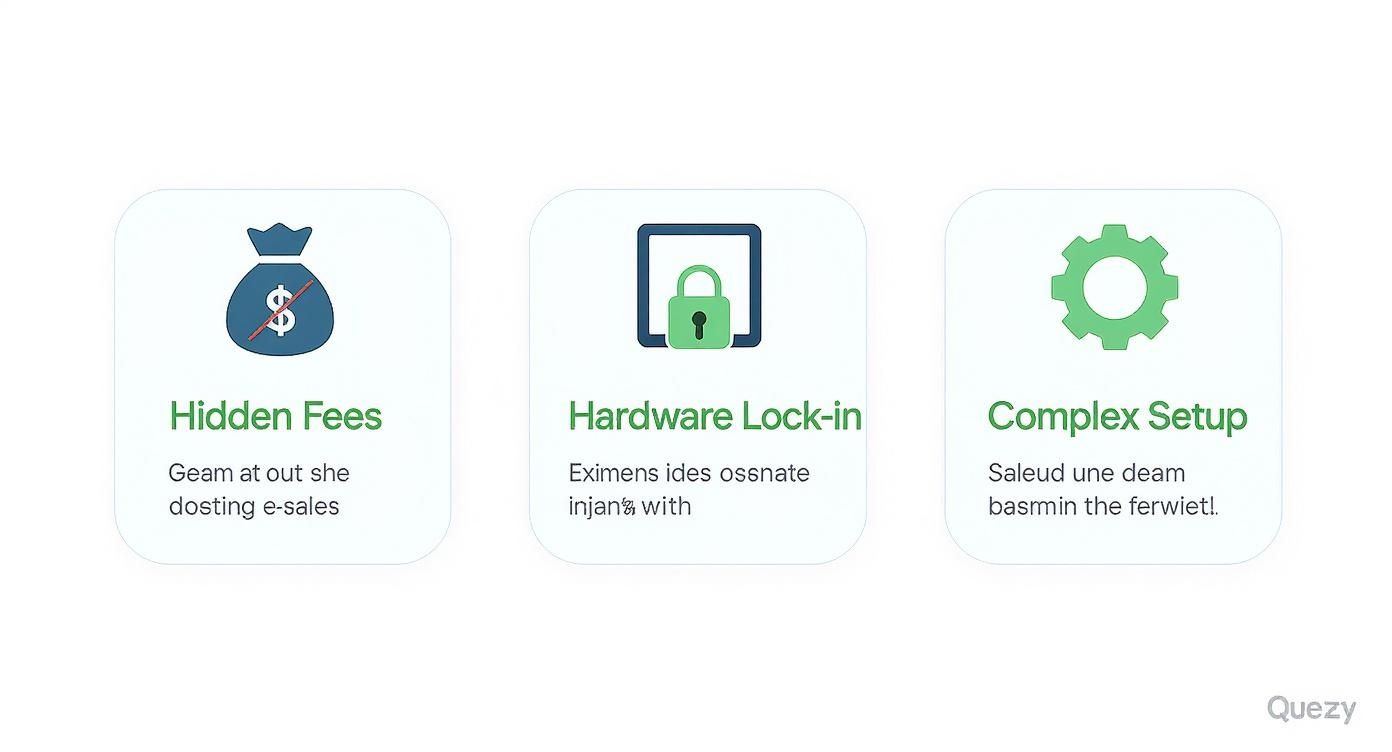
As you can see, the biggest traps for QSR owners are often hidden fees, being locked into expensive hardware, and setups that are just way too complicated. We built TackOn Table specifically to solve these problems.
Setting Up for Today and Scaling for Tomorrow
After all your data is in the system, it's time for the hardware setup and getting your team trained. Since TackOn Table runs on everyday devices like iPads, you can skip the pricey, specialized terminals. Your staff already knows how to use a tablet, so they'll get the hang of our intuitive interface in no time. Less training, more confidence—exactly what you need for a big launch.
But a great POS implementation is about more than just surviving opening day. It's about setting yourself up for what comes next.
Maybe your dream is to open a second spot, franchise the brand you've built, or add a delivery service. You need a system that doesn't just keep up but actively helps you grow.
TackOn Table is designed for that journey. Here’s how we support your expansion:
- Multi-Location Control: You can manage menus, tweak pricing, and pull reports for every single one of your locations right from one dashboard. It’s the key to keeping your brand consistent as you grow.
- Mobile POS Flexibility: Give your crew handhelds to take orders down a long line during the lunch rush or to work a pop-up event on the other side of town. It's about serving more customers without needing another brick-and-mortar location.
- Adaptable and Affordable: Our platform works just as well for a single food truck as it does for a multi-state chain. You can check out our straightforward TackOn Table pricing plans to see how we fit your budget without any surprises.
Your POS should be a tool that fuels your growth, not an anchor holding you back. By picking a solution that prioritizes simplicity and scalability, you ensure your tech is always ready for your next big move.
Answering Your Top QSR POS Questions
Choosing the right POS system for your quick-service spot can feel like a huge decision, and you probably have a lot of questions. We get it. Here are some straightforward answers to the questions we hear most often.
How Much Should a QSR POS System Really Cost?
Honestly, the price can be all over the map. Some of the big names in the industry, like Toast or Clover, often lock you into expensive upfront hardware costs, long-term contracts, and a confusing mix of software and payment processing fees. Before you know it, you're looking at a serious dent in your budget.
We built TackOn Table on a different philosophy: clear, affordable pricing. Our goal is to give every business—whether you’re running a food truck or expanding to your third location—access to powerful tools without the scary price tag and long-term chains. Our adaptability and affordability are core to our mission.
Can I Just Use My Own iPad or Tablet?
That really depends on who you go with. A lot of the older POS providers will insist you buy their pricey, custom-built hardware. This not only drives up your startup costs but also locks you into their system for the long haul.
We designed TackOn Table to be flexible. Our café management software runs beautifully on the devices you already know and love, like iPads and other common tablets. This frees you up to choose hardware that works for your space and your budget, which can make a huge difference when you're just getting started.
Is Switching to a New POS a Total Nightmare?
The thought of switching systems can be daunting, for sure. But the good news is that modern POS solutions are built to make this move as smooth as possible. From day one, we engineered TackOn Table for an easy setup.
Our team is here to walk you through migrating your menu and customer info. And because the interface is so intuitive, your staff can get the hang of it and be ready to serve customers in just a few hours. The goal is a transition so seamless you can keep your focus where it belongs: on your food and your customers.
What's the Best POS System for a Cafe or Coffee Shop?
When it comes to cafes, it's all about speed and getting those custom orders right every single time. The best system has to effortlessly handle a long list of drink modifications—think alternative milks, extra shots, pumps of syrup—without slowing down the line.
Look for a sharp, responsive touch-screen, a built-in loyalty program to keep your regulars coming back, and mobile POS options to bust that morning rush line. TackOn Table's order screen is designed for this exact environment, letting you customize everything on the fly to make sure every latte is perfect.
Ready to see how a simpler, more affordable, and truly powerful POS can change the game for your QSR? The team at TackOn Table is here to show you a better way to run your restaurant.
Book a Demo
See how TackOn Table works for your restaurant. Same-day call →